Remove people from photos free online with natural results

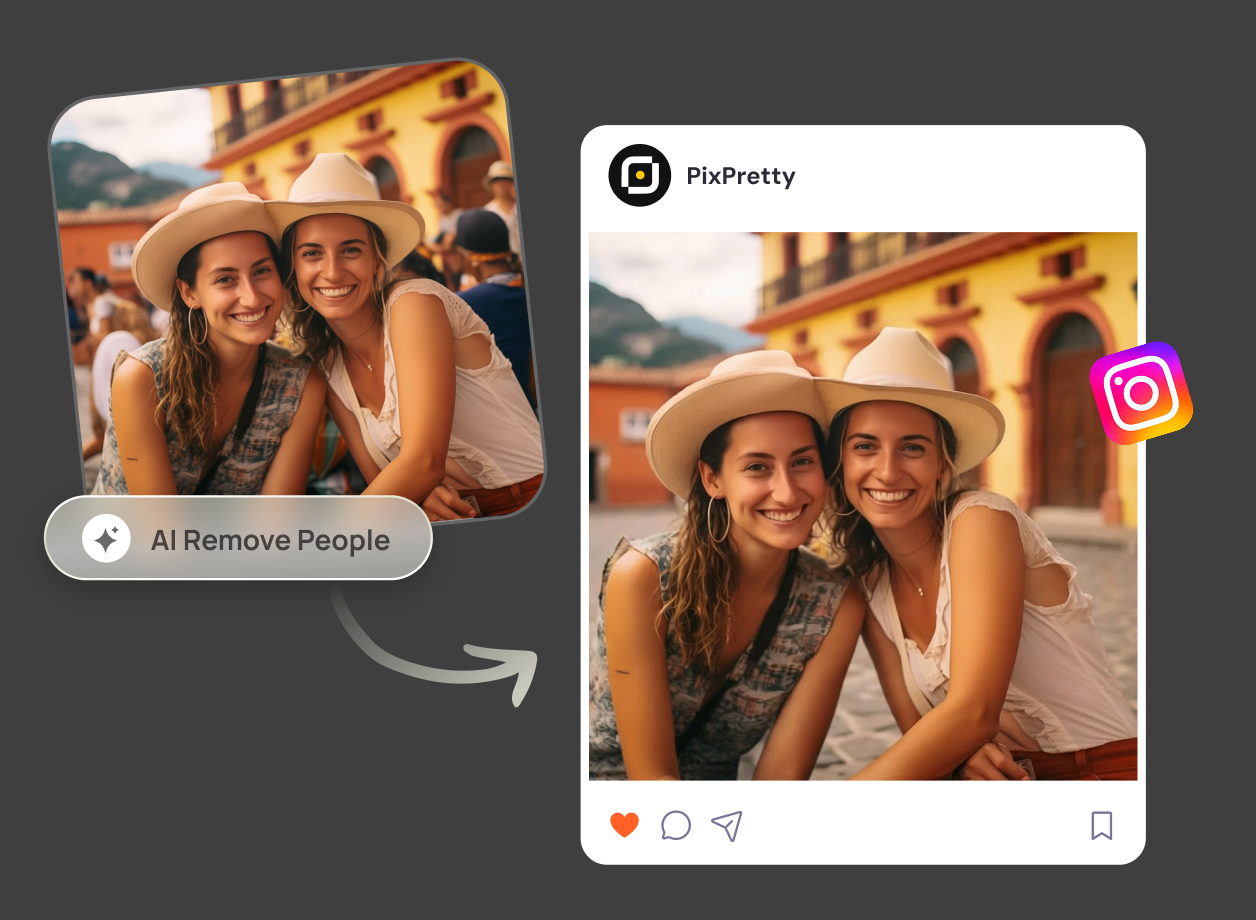
PixPretty AI person remover helps you remove person from image in seconds. With smart, automatic detection, you can clean up crowded scenes and distractions with just a few clicks — no manual editing required.

remove people from image

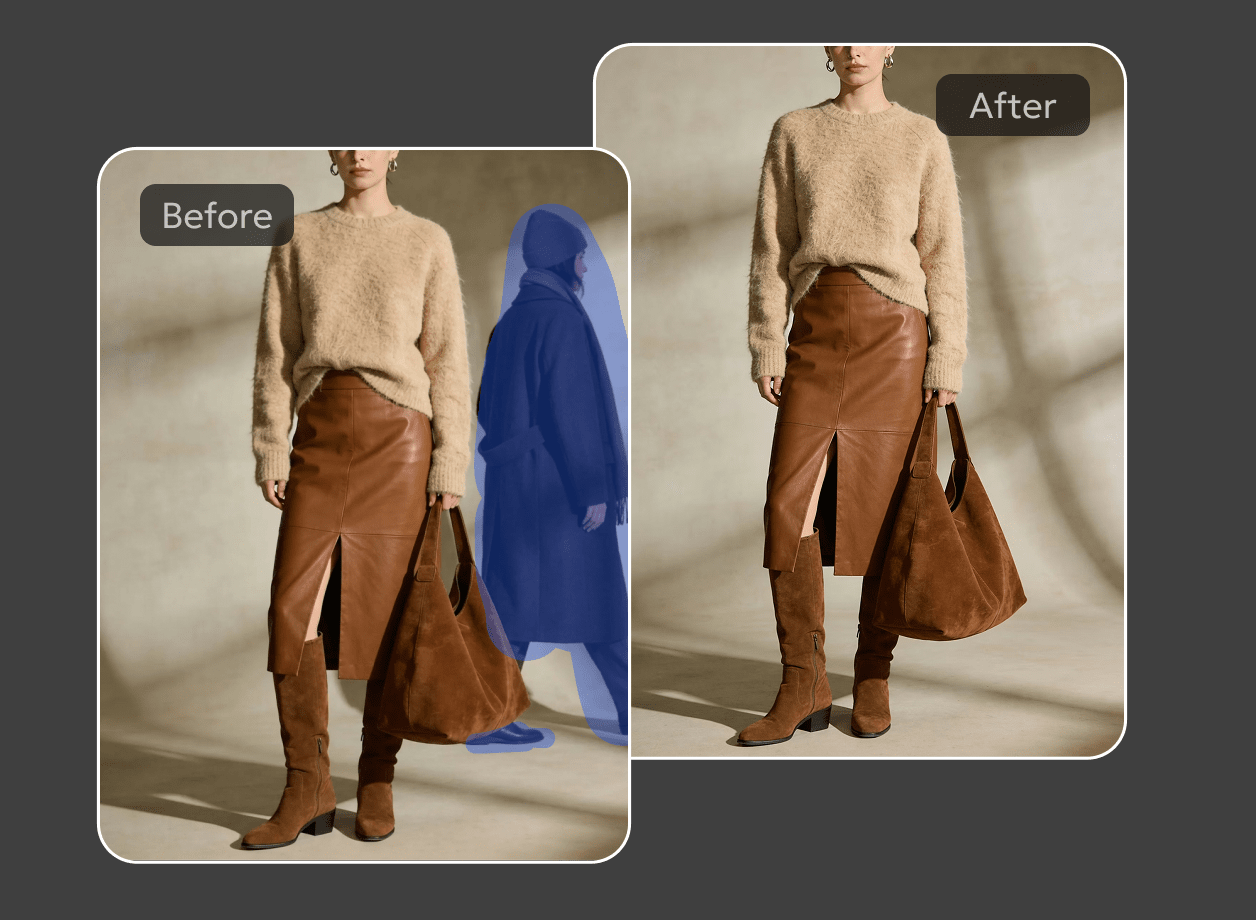
Before

PixPretty AI remove people from photo - featured image

after

How to remove people from photos in 3 steps

Step 1
Upload
Upload any image that includes unwanted people or distractions.
Step 2
Remove people
You can choose specific people to remove, or let AI erase them automatically — with natural results.
Step 3
Download
Save a clear, polished image ready to share or use anywhere.
PixPretty - free apps to remove objects from photos

Remove people from travel photos

Popular places are often crowded, and the perfect moment gets lost in the background. Delete people from photos and turn busy travel shots into clean, focused images that actually look like the place you visited. Keep the scene, the atmosphere, and the memory—without the distractions.

Edit someone out of group photos

Group photos don’t always turn out the way you expect. With our tool, you can easily remove unwanted people from group photos and keep only those you want, turning a crowded image into a clean, natural-looking photo.

No awkward gaps or broken backgrounds. Just a seamless result that looks like it was always meant to be that way.

crop a person in a picture with PixPretty
Clean up disrupted landscape photos with PixPretty

Clean up disrupted landscape photos

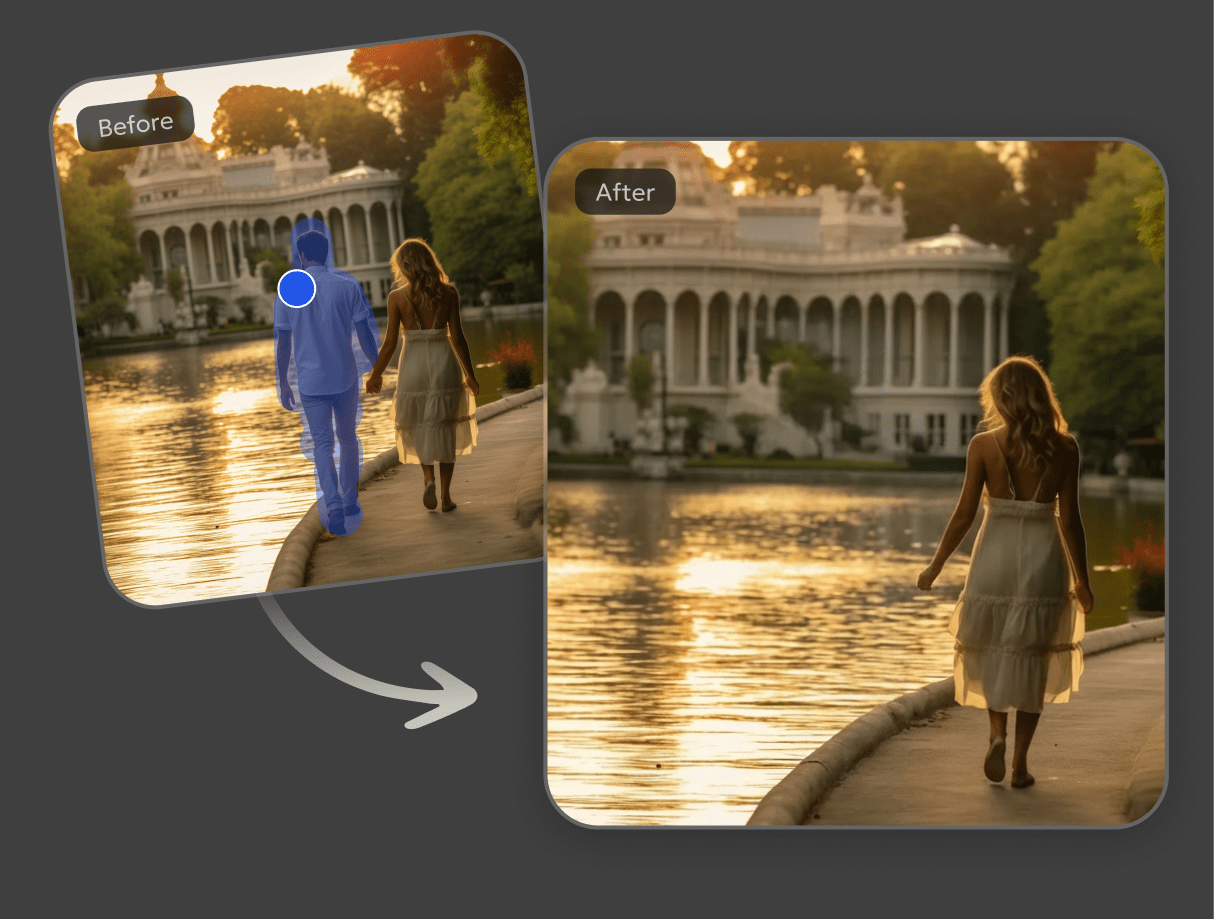
Crowded viewpoints and passing strangers often interrupt an otherwise beautiful landscape. Erase someone from a photo to reveal a clean, uninterrupted view and transform a busy scene into a calm, scenic image.

Once the distractions are gone, the landscape truly stands out, creating a beautiful photo that feels timeless and worth sharing.

Remove people from photos with detail-preserving results

Removing people from photos shouldn’t leave obvious traces behind. This tool delivers natural, realistic results that blend seamlessly with the original image, while preserving important details and high resolution. Textures, lighting, and edges remain consistent, so the edited areas don’t stand out or feel artificially altered.

The final photo looks clean, sharp, and believable—even up close. Whether viewed on a large screen or zoomed in for details, the image maintains clarity and realism.

PixPretty remove people with detail-preserving results

More everyday moments made cleaner

Sharing Online
Marketing Visuals
Busy Backgrounds
Past Relationships
PixPretty remove person and share to social media

Made to be liked

Clean photos get more attention on social media. When unwanted people appear in the frame, they can distract from the moment you actually want to share.

By removing unwanted people from photos, your images look more focused and deliberate—making them easier to notice, appreciate, and like when shared online.

PixPretty remove person for product visuals

Ready-to-use product visuals

Product and brand photos need clarity to work well. When people appear unintentionally in the frame, the image can lose its commercial value.

Erase unwanted people from photos to prepare clean visuals that highlight the product itself, making them easier to use for e-commerce listings, banners, and promotions.

PixPretty remove person with precision

Handle overlapping people with precision

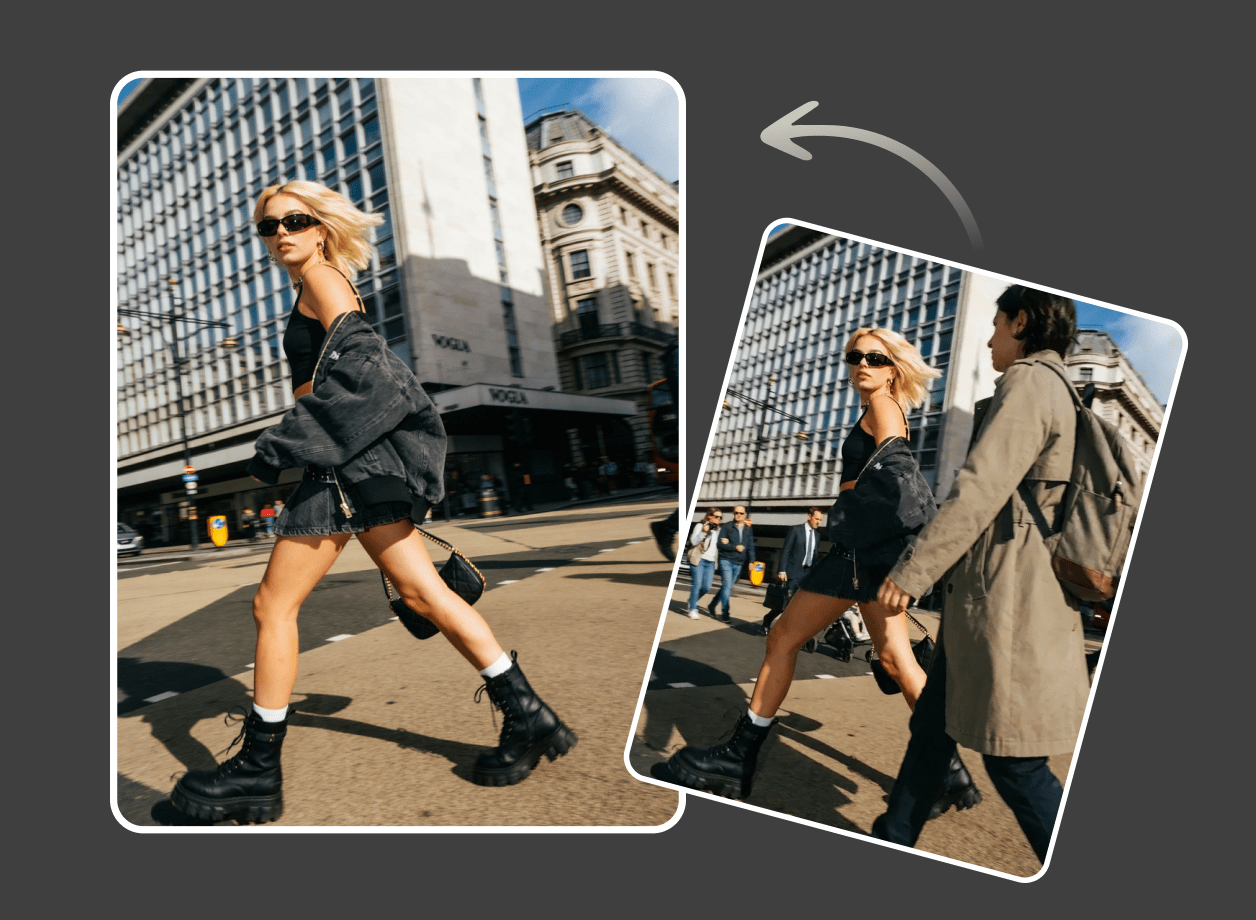
In busy scenes, people often overlap with each other and surrounding objects, making clean edits difficult. Backgrounds can be complex, with movement and visual clutter happening at once.

Our tool removes overlapping people accurately while preserving the main subject and surrounding details, delivering clean, natural results even in complex environments.

PixPretty remove person for past relationships

Keep the photo, not the person

Some photos still matter, even when the relationship doesn’t. A moment, a place, or a memory can be worth keeping—without the person you no longer want in the frame.

Remove someone from a photo and keep the image focused on yourself. The result is a cleaner, more personal photo that reflects how you want to remember the moment today.

Erase people from photos on the go, right on your iPhone

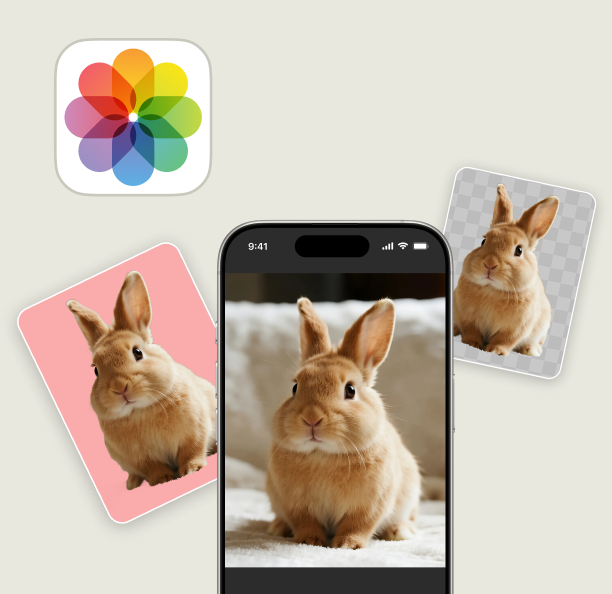
Most photos are taken on iPhone, and many edits happen right there in the moment. You don’t always want to wait until you’re back at a computer just to fix a small distraction in a photo. Being able to clean up images directly on your phone makes the whole process feel faster and more natural.

With our online tool, you can erase unwanted people from photos directly in your iPhone browser, anytime you need. There’s no app to install and no complicated steps to follow. Just a simple, mobile-friendly experience that lets you edit, save, and share photos wherever you are.

erase someone from a photo iphone with PixPretty

Don't just take our word for it

five star

I travel a lot and crowded places are unavoidable. This tool helped me remove people from photos cleanly without ruining the background. The results look natural and saved me so much time compared to manual editing.

icon double quote white
user camila

Travel Photographer

Liam Carter

icon five star

I use this to clean up my photos before posting on Instagram. Removing people from the background takes seconds and the image still looks realistic. Super easy to use even if you have no editing experience.

icon double quote black
user daniel

Social Media Creator

Sofia Martinez

icon five star

I just wanted a clean photo without strangers in the background. I uploaded my picture and the people were gone instantly. No complicated tools and no learning curve at all.

icon double quote black
user emily

Everyday User

Daniel Wong

icon five star

I often need clean images for presentations and marketing materials. This tool removes people from photos smoothly and keeps the lighting and texture intact. It feels fast reliable and professional.

icon double quote white
user ethan

Content Designer

Rachel Thompson

FAQs

Still have questions? Our customer support team is here to help.

Yes. AI can remove people from photos by intelligently analyzing the background and filling in missing areas. PixPretty uses advanced AI to remove people cleanly and naturally, even in crowded scenes, so your photos stay realistic without manual editing.

You can try basic tools on iPhone, but results are often limited in complex photos. PixPretty works directly online and is fully compatible with iPhone. Simply upload your photo, brush over the person you want to remove, and PixPretty AI will instantly clean up the background with natural results.

Apple Photos includes basic cleanup features, but they may struggle with detailed backgrounds or multiple people. PixPretty offers a more powerful AI removal tool that produces smoother and more consistent results, especially for travel photos, portraits, and busy scenes.

PixPretty is one of the best free options to remove people from photos. It works online with no installation required and uses AI to remove unwanted people naturally. You can get clean results in seconds without editing experience, making it ideal for both casual users and creators.

Best photo editing
pro tips

More ways to perfect your photos

Remove People from Photos Like Magic

Clean up your photos instantly with PixPretty AI. Remove unwanted people and keep backgrounds natural.

pixpretty all-in-one image editor