Start your photo booth in 3 steps
Start photo booth
Step 1: Capture photos
Pick your preferred layout and start your photo booth session. The webcam will automatically take multiple shots with a timer—just pose and have fun.
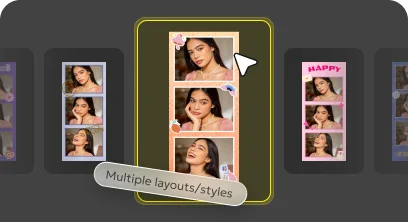
Step 2: Customize frames & stickers
After capturing your photos, add stylish frames and fun stickers to personalize your photo booth shots and make them truly yours.

Step 3: Download & share
Save your photos or photo strips instantly. Download them to your device or share with friends anytime, anywhere.

Free online photo booth for instant photos
Enjoy a free online photo booth you can use anytime, no matter where you are. Simply open your browser and take photos instantly with your webcam—no download needed. Whether you're on a desktop or mobile device, capture fun selfies, create photo strips, or update your profile picture in just a few clicks.
Flexible photo booth layouts for every shot
Choose how many photos you want to take and customize your layout to match your style. With our online camera, you can capture single shots or create classic multi-photo strips in seconds. Mix different formats, experiment with compositions, and design your own photo booth experience—perfect for selfies, fun moments, or creative projects.


Find your style with photo booth filters
Explore a range of filters to match your mood and style, from black & white to retro, bright, and vintage looks. This photo booth and picture taker makes it easy to enhance every shot in seconds. Whether you prefer a natural vibe or something more playful, you can create photos that truly reflect your style.
Customize frames & stickers in your photo booth
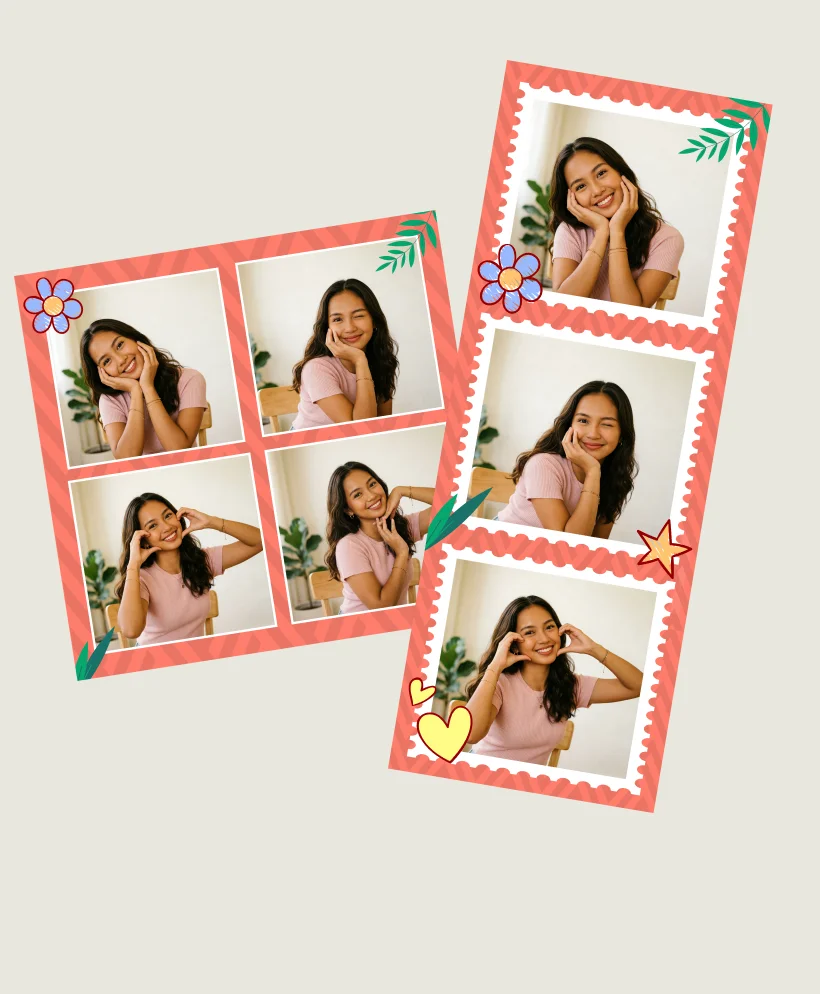
Customize your photo booth shots with adjustable frame colors, stylish borders, and fun stickers. Using your webcam, you can capture photos and instantly enhance them with creative details. Experiment with different combinations, match your mood, and turn every shot into something personal, eye-catching, and ready to share.


Download & share your photo booth moments instantly
Save your photo booth shots in just one click and keep your favorite moments anytime. After capturing photos with your webcam, you can instantly download them or share with friends on social media. Whether it’s a fun selfie or a creative photo strip, your pictures are always ready to go.
Discover different photo booth styles
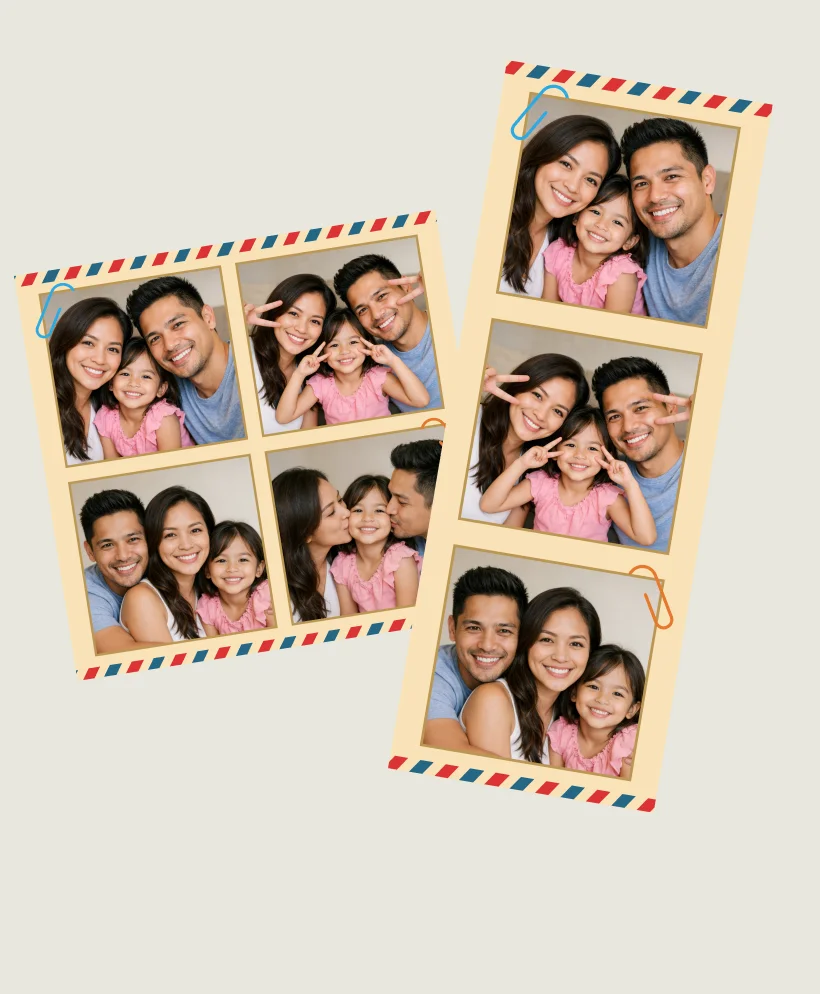
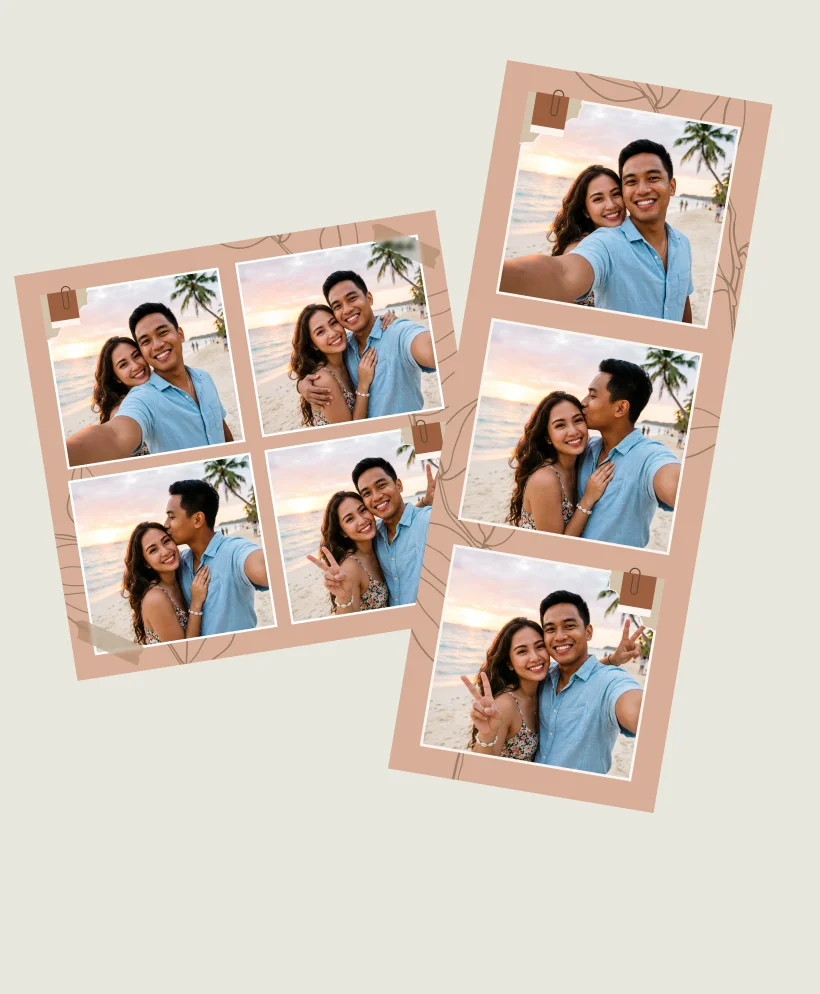
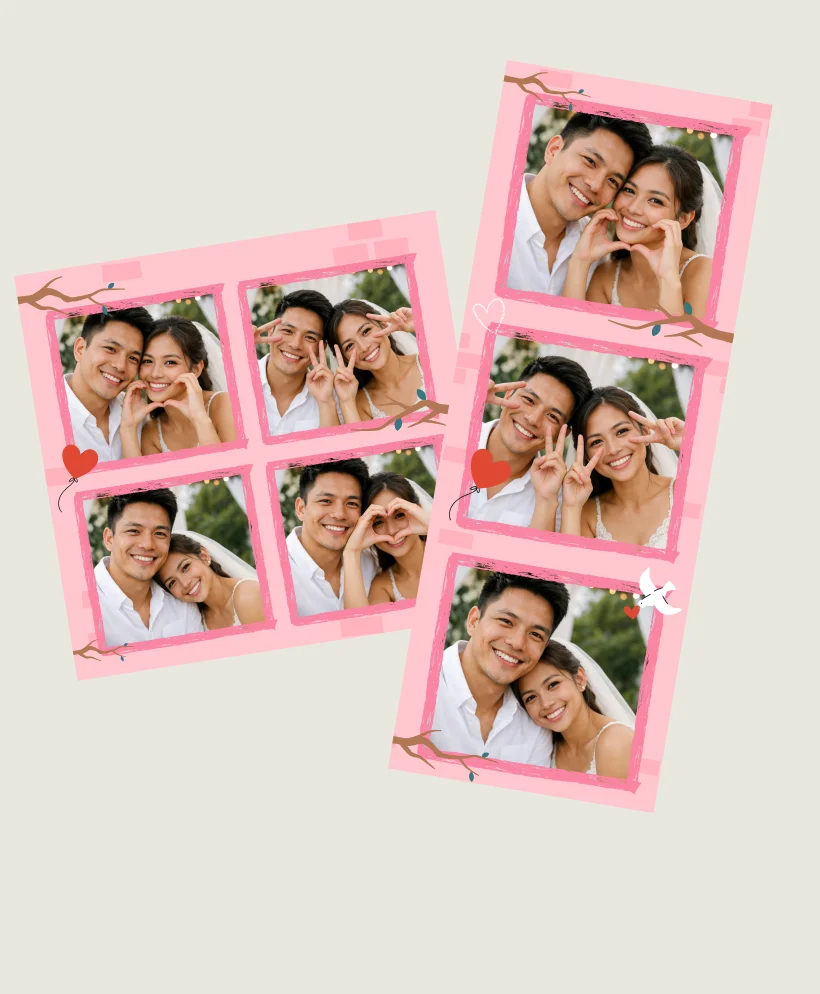
Explore a variety of photo booth styles for any mood. From classic strips to vintage, cartoon, and celebration designs, each style adds a fun, unique touch to your photos.
Start photo booth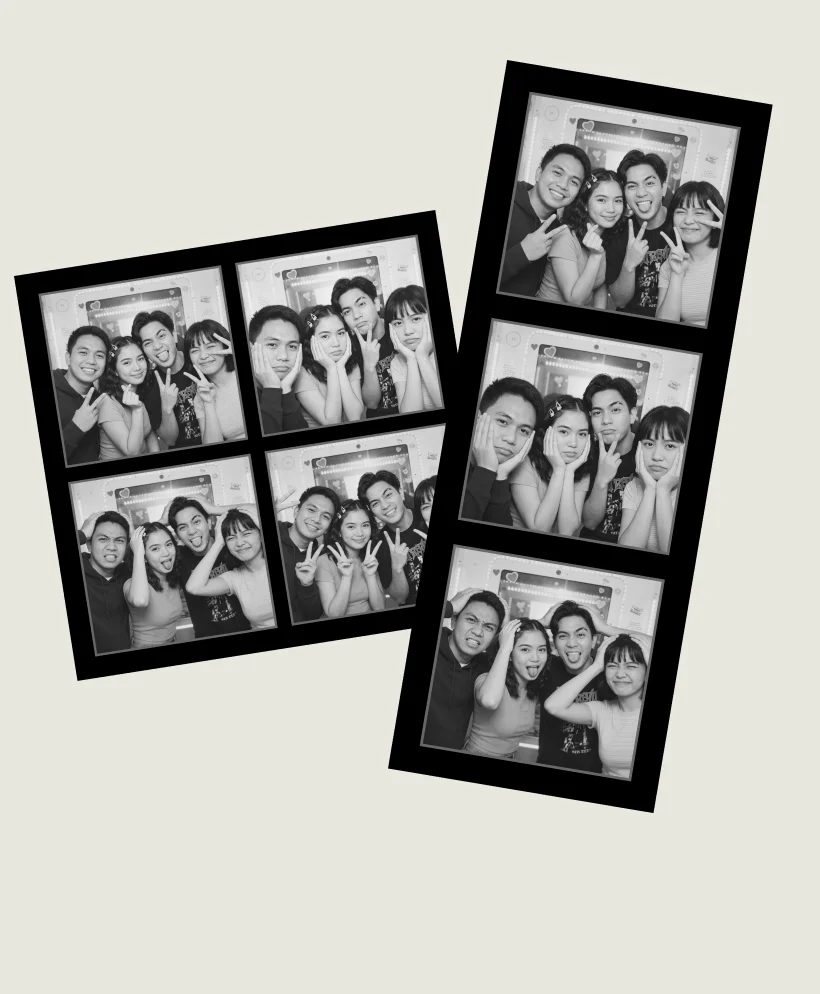
Don't just take our word for it

“I love using this photo booth with my friends. The stickers, frames, and different styles make every photo feel unique. It’s way more fun than just taking normal pictures on my phone.


Student
Mia Hall
"I use this online photo booth almost every day for quick selfies and profile photos. It’s super easy—just open it, use the webcam, and you’re done in seconds. The filters and photo strips make everything look more fun without any extra effort.


Content Creator
Maeve Sullivan
"This photo booth is perfect for quick creative shoots. I can test different looks, try filters, and create photo strips instantly. It’s simple, but surprisingly flexible for everyday use.

Photographer
Julian Vance
"As a small shop owner, I use this photo booth tool to quickly create casual product shots and social content. I don’t need any complicated setup—just my webcam and a few clicks. It saves me time and still looks great.

Business Owner
Elara Quinn






Yes, PixPretty online photo booth is completely free to use. You can take photos with your webcam, apply filters, add frames and stickers, and download your pictures instantly—no signup or download required.
An online photo booth lets you take photos directly in your browser using your webcam. You can capture multiple shots, apply filters, add frames and stickers, and download your photos instantly—no installation needed.
No, there’s no download required. The photo booth works entirely online, so you can start taking photos right away from your browser.
Yes, you can personalize your photo booth pictures with adjustable frame colors, borders, and fun stickers to match your style.
Yes, the photo booth works on both desktop and mobile devices. As long as your device has a browser and camera, you’re ready to go.
Your photos are not stored unless you choose to download them. Your privacy and data are secure.
More ways to perfect your photos
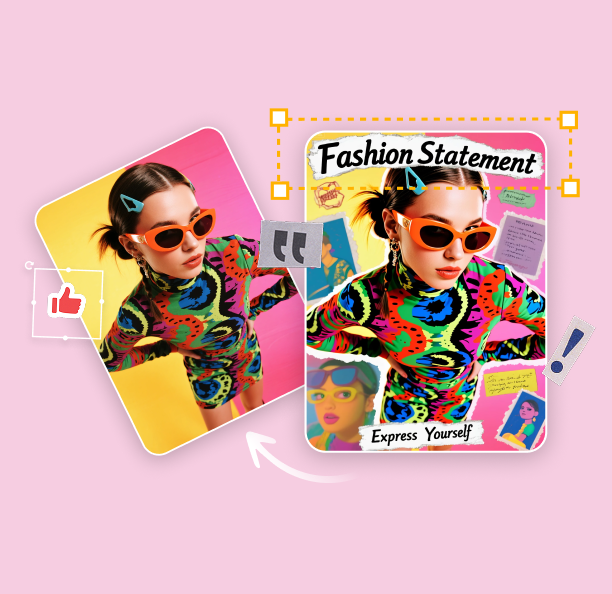
FREE Online Photo Editing with PixPretty
From quick background removal to color edits, PixPretty offers free online photo editing tools that make every photo look sharp, polished, and ready to share.