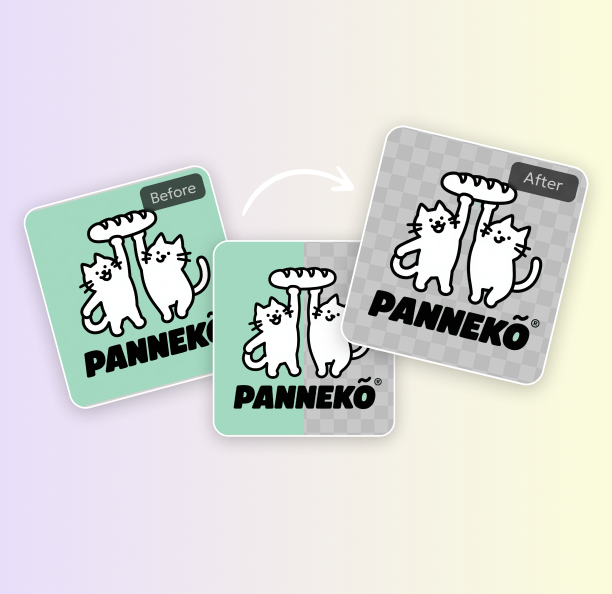
Remove Background from Signature instantly with PixPretty free AI tool. Upload your signature and download a clean, transparent PNG image in seconds online.
PixPretty AI-powered online tool helps you signature remove background in seconds, without design skills or software. Simply upload a scanned or photographed signature, and the AI accurately detects ink strokes while removing unwanted backgrounds. Get a clean, transparent signature ready for contracts, PDFs, emails, and official documents—fast, secure, and completely online.
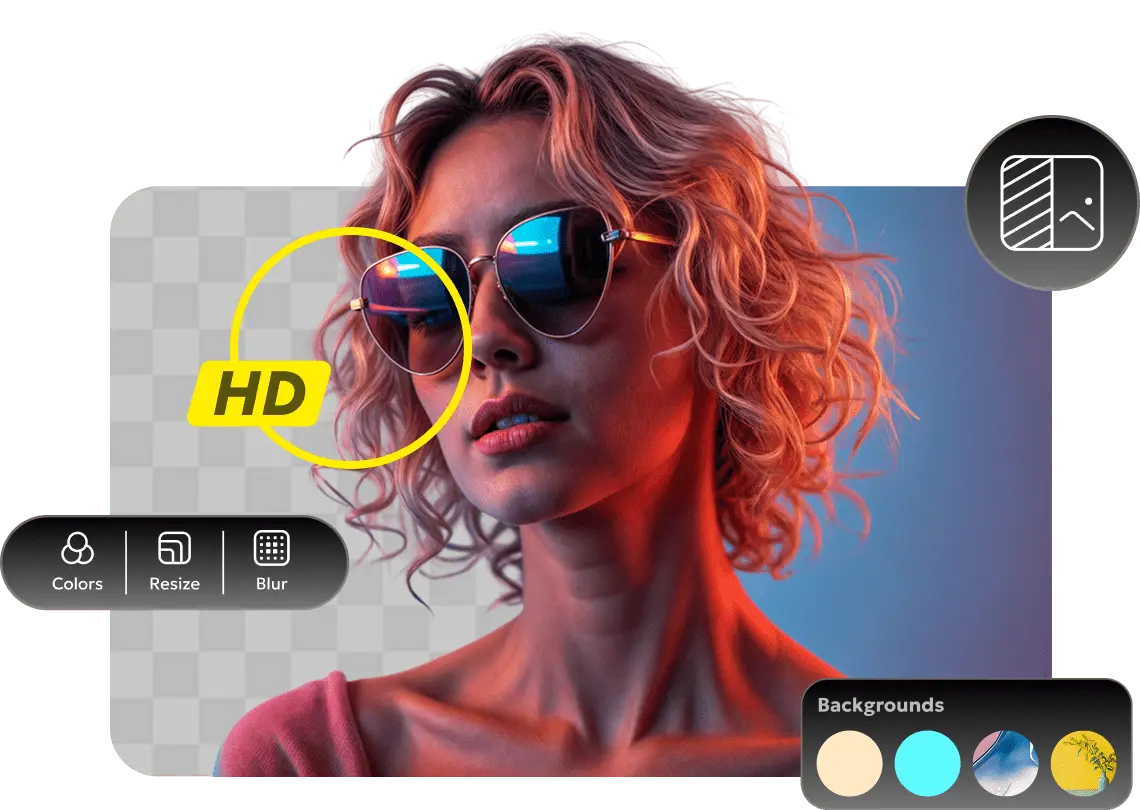
After you remove bg from signature, image quality matters most. PixPretty AI is trained to preserve fine pen strokes, ink texture, and edge clarity while removing the background. Even thin handwriting and scanned signatures stay sharp and clean, without blur or distortion. The result is a high-resolution, lossless signature you can confidently use in contracts, PDFs, and official documents.
For extra control, PixPretty brush tools let you refine results after signature remove bg. Adjust edges, restore missing strokes, or erase unwanted marks with precision. Whether you’re cleaning up scanned signatures or fixing small imperfections, these tools help you achieve a polished, professional signature image without starting over or using complex design software.
Need to handle many files quickly? PixPretty signature background remover supports batch processing, allowing you to upload and process up to 50 signature images at the same time. Whether you’re preparing contracts, certificates, or onboarding documents, you can remove backgrounds in bulk without slowing down—saving time while keeping results clean and consistent.
After you extract signature from image, you can easily convert it to formats like transparent PNG, JPG, or WebP, and adjust the size to fit different uses. Whether you need a clean PNG for documents, a JPG for sharing, or a lightweight WebP for web use, your signature is ready without extra editing.
Document signing
Create clean, transparent signatures for contracts, agreements, and official documents.
Creative attribution
Add a clear signature to artwork, designs, or photos without background distractions.
Email signatures
Use transparent signatures in emails to keep communication professional and consistent.
Scanned documents
Clean scanned signatures by removing background noise for clearer digital files.
Yes. New users get free trial credits to try the signature background remover. You can remove backgrounds and download results during the trial without committing to a paid plan.
Yes. Your uploaded signature is processed securely and is not used for training or shared with third parties. Files are automatically deleted after processing to protect your privacy.
The best format is transparent PNG. PixPretty automatically removes the background from your signature and exports the result as a transparent PNG, making it easy to use in documents, emails, and designs.
Yes. Signatures processed with PixPretty can be used for commercial, professional, and official purposes, including contracts, invoices, certificates, and business documents.
Yes. PixPretty signature background remover works directly in your browser and is fully compatible with mobile devices, including smartphones and tablets. No app installation is required.
From quick background removal to color edits, PixPretty offers free online photo editing tools that make every photo look sharp, polished, and ready to share.