


Discord music bots are still alive in 2025, but you must pick carefully if you want stable streaming from YouTube, Spotify, and more.
This guide explains what they are, which bots work best now, and how to use them safely.
Table of Contents
- Part 1. What are Discord music bots?
- Part 2. 8 best Discord music bots
- 1. FredBoat – best “classic” all‑rounder
- 2. Hydra - strong “default” bot for most servers
- 3. Jockie Music – best for busy servers
- 4. Rythm (new version) – best for legal and stable use
- 5. LoFi Radio – best for 24/7 background music
- 6. MEE6 music – best all‑in‑one with extras
- 7. Uzox - a solid “middle-ground” bot
- Quick comparison of best Discord music bots
- Part 3. How to use a Discord music bot
- Part 4. FAQs about Discord music bots
Part 1. What are Discord music bots?
Discord music bots are apps that join your voice channel and play audio for everyone at the same time. They can stream tracks from sources like YouTube, Spotify, SoundCloud, or radio streams, and let you control playback through slash commands.
Most bots support basic commands such as play, pause, skip, loop, and queue. Many also offer playlists, volume control, filters, and premium modes for better audio or 24/7 uptime.
Part 2. 8 best Discord music bots
1. FredBoat – best “classic” all‑rounder
FredBoat is a long‑running music bot that still works well in 2025 and is used on millions of servers. It supports many sources such as YouTube, SoundCloud, Bandcamp, Twitch, and more, so users rarely hit “song not found.”

Personal take: FredBoat is ideal for small to mid‑size servers that want a no‑drama bot with fewer fancy extras. It feels a bit old‑school compared with newer dashboards, but that simplicity is part of its charm.
2. Hydra - strong “default” bot for most servers
Hydra is often named as one of the best Discord music bots in 2025 because it is stable, easy to use, and very feature rich. It supports multiple platforms, including YouTube‑style playback via search or links, plus a web dashboard and custom commands.

Hydra is a strong “default” bot for most servers because setup is quick and the command system is clear even for new users. It is a good first choice if you want one bot that “just works” without heavy tuning.
3. Jockie Music – best for busy servers
Jockie Music offers multiple bot instances so you can run more than one music bot in the same server with separate queues. It supports platforms like Spotify and YouTube and lets you run several “Jockie” bots if your community is very active.

Jockie is perfect for busy servers with many voice channels because each group can have its own music stream. The trade‑off is that management can feel a bit heavier for admins, but the flexibility is worth it.
4. Rythm (new version) – best for legal and stable use
The original Rythm was shut down after a YouTube request, but newer licensed versions focus on official music sources and a more compliant model. Current guides still list Rythm at the top when people ask which bot Reddit likes most.

Rythm is best for servers that care about legal safety, such as creator communities, school or work servers, and monetized brands. The main drawback is that you may not get every YouTube track or remix you want, since Rythm tries to avoid risky sources.
5. LoFi Radio – best for 24/7 background music
LoFi Radio is a focused bot that streams curated lo‑fi stations around the clock. You do not manage a queue; you just drop it into a voice channel and let it play.

If your main goal is “always‑on background music,” LoFi Radio is better than generic bots that may time out. It is not a full replacement for a search based “discord music bots YouTube” tool, but it solves the vibe problem well.
6. MEE6 music – best all‑in‑one with extras
MEE6 is known first as a moderation and leveling bot, but its music module is now strong enough to compete with standalone bots. Many “best discord music bots 2025” lists still include it because of the all‑in‑one value
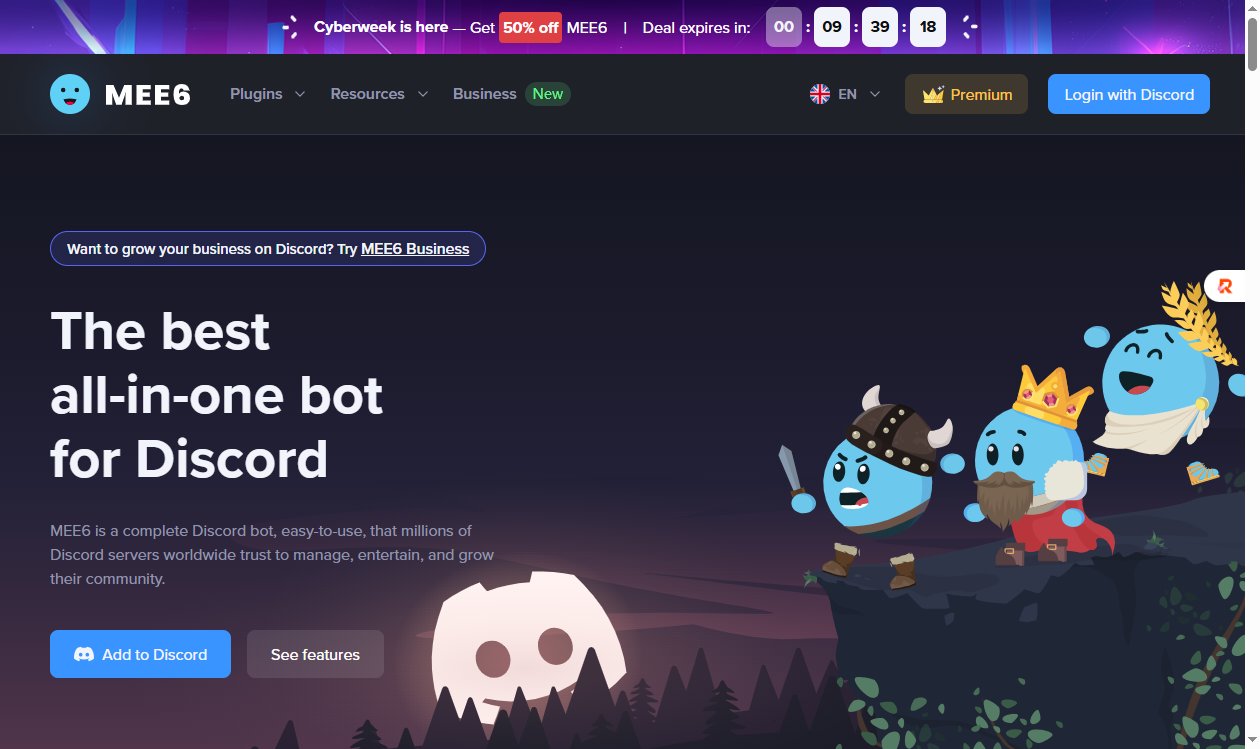
Server owners who already use MEE6 and want fewer bots to manage, can choose MEE6 music. As a pure music solution it is beaten by some dedicated bots, but as a package it keeps your setup simple.
7. Uzox - a solid “middle-ground” bot
Uzox is a music bot for Discord that aims for smooth, lag-free playback and works with many platforms like Spotify, SoundCloud, Apple Music and more.
It offers features like 24/7 online, saved queues, and optional audio filters (bass boost, nightcore, etc.), which makes it nice for parties or long listening sessions.
Most of its functions are free — you can play songs, manage queue, and use filters without paying. However, some users say that using YouTube links may lead to wrong or random songs playing.

Quick comparison of best Discord music bots
| Bot | Best for | Main pros | Main cons |
| FredBoat | Small–mid servers | Simple, stable, many sources (YouTube, SoundCloud, Bandcamp, Twitch) | Old-school, fewer fancy features |
| Hydra | Most general servers | Feature-rich, multi-platform, web dashboard, quick setup | A bit heavy for basic needs |
| Jockie Music | Busy/public servers | Multiple instances, separate queues per channel, Spotify/YouTube support | Heavier management for admins |
| Rythm (new) | Legal-safe servers | Licensed sources, low shutdown risk, Reddit favorite | Fewer niche YouTube tracks/remixes |
| LoFi Radio | Study/focus channels | 24/7 curated lo-fi, no queue drama | No search or custom playlists |
| MEE6 music | All-in-one setups | Music + moderation + leveling in one bot | Weaker than pure music bots |
| Uzox | Party/long sessions | 24/7 online, saved queues, free filters (bass boost, etc.) | YouTube links may play wrong songs |
 Please swipe to view
Part 3. How to Use a Discord Music Bot
Using a Discord music bot is easy. Follow these steps:
1. Invite the bot to your server
Go to the bot’s website and click “Invite”, “Add to Discord”, or similar.
Choose your server in the pop-up and approve the bot. Give it permission to connect to voice channels and speak.
2. Join a voice channel first
In Discord, enter the voice channel where you want music to play. The bot will join the same channel when you send a play command.

3. Use simple commands to play music
Typical commands include:
- /play <song name or URL> — play a song or add it to queue
- /skip — skip current track
- /pause / /resume — pause or resume playback
- /queue — view queued songs
- /leave or /disconnect — stop music and make bot leave voice channel
4. Check bot permissions and roles
Make sure the bot’s role is high enough to let it join voice channels and speak. Ensure the voice channel allows “Connect” and “Speak” for the bot role.
5. Add songs or playlists, manage playback
- Use /play to add a song or playlist. Some bots accept YouTube links, Spotify links, or just song names.
- Use /skip, /pause, /queue, /leave, etc. to control playback.

Tip:
If you want nice visuals for your server or music-related covers/thumbnails, you can try PixPretty AI Photo Editor — it helps you design images easily for server banners or music-related posts.
Part 4. FAQs about Discord music bots
1. Are music bots legal and safe to use?
Bots that use licensed catalogs or follow platform APIs are on safer legal ground than those that scrape or bypass ads. From a Discord user side, inviting popular, trusted bots is generally safe, but self‑bots or unofficial clients can violate Discord’s own rules and risk account bans.
2. Why does my music bot lag, cut out, or leave the channel?
Common causes include slow internet, overloaded bot servers, or auto‑disconnect rules when nobody is actively listening. Many free bots disconnect after a few minutes of silence or if the queue is empty, while premium tiers keep 24/7 mode active.
3. What is the best Discord music bot for a study or focus server?
For focus and study servers, a 24/7 lo‑fi or ambient bot like LoFi Radio is often better than an on‑demand search bot. If you still want control, pair it with Hydra or FredBoat so people can switch between “radio” and “request” modes.
4. What is the best Discord music bot for a big public community?
Large public communities benefit from scalable bots with clear dashboards and multi‑instance setups. Jockie Music with several instances, or Hydra with good moderation and role control, works well for servers with many music channels.
5. Why does my bot say “song not found” for some links?
Sometimes the content is region‑locked, age‑restricted, or blocked from third‑party playback even if it works in your browser. In those cases, searching by song title or switching platforms often solves the problem.
Conclusion
Discord music bots remain useful in 2025 — but it’s no longer as plug-and-play as a few years ago. If you pick carefully, you can still enjoy YouTube, Spotify, or SoundCloud music with friends inside Discord.
Use permission checks, pick a reliable bot, and maybe make nice playlist-cover images with PixPretty AI Photo Editor to give your server a personalized vibe.
PixPretty AI Photo Editor
- 100% free AI Image Generator (Nano Banana 2 powered)
- 4K image quality with fast generation speed
- AI effects & filters for personal and e-commerce use

Related Articles:


