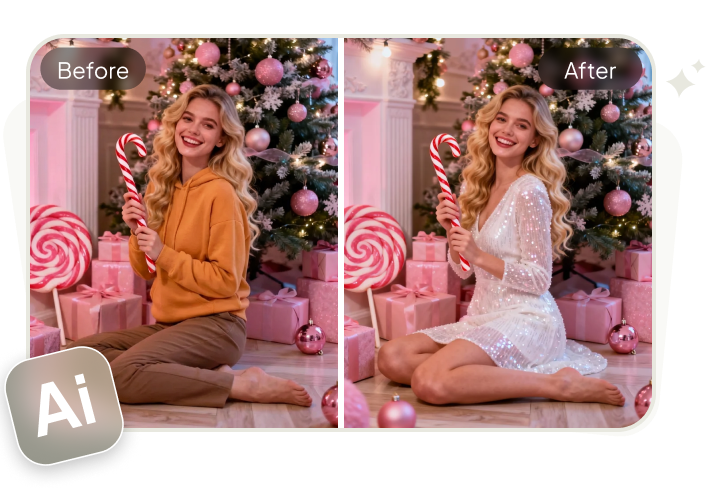
New Year photos are one of the most shared posts on platforms like Facebook, Instagram, and TikTok. This year, AI is changing how we create them. Instead of posting plain shots, you can use ChatGPT prompts to generate stylish, unique, and eye-catching New Year & New Year Eve images.
In this guide, you’ll find practical prompts, step-by-step instructions for a viral AI trend, and tips to make your content more engaging. Let’s get started!
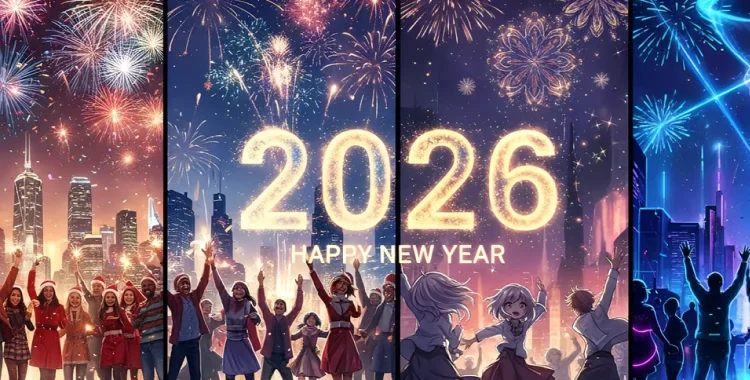
Table of Contents
- Part 1. 20+ ChatGPT Prompts for New Year Photo
- 1. Minimal & Typography New Year Cards
- 2. Luxury & Premium New Year Cards
- 3. Personal Portrait & Profile New Year Photos
- 4. Party & Celebration Scenes
- 5. Creative, Aesthetic & Viral AI Styles
- Part 2. How to Generate New Year Photos with ChatGPT
- Part 3. Tips & Best Practices for New Year AI Photos
- Part 4. Upgrade Your New Year Photos with AI for Free
Part 1. 20+ ChatGPT Prompts for New Year Photo
1. Minimal & Typography New Year Cards
Prompt 1. Minimal Typography New Year Card
Create a modern digital New Year card with a soft off-white background. Add a subtle paper grain texture for depth. Place large bold sans-serif typography in the center displaying the text “HELLO 2026” in muted charcoal gray. Below it, add smaller light-weight text reading “Wishing you clarity, growth, and calm in the year ahead”. Keep generous white space on all sides. Perfect vertical alignment. Flat lighting. Clean minimalist editorial style. Aspect ratio 3:4.
Prompt 2. Soft Editorial Typography Card
Create a clean editorial-style New Year card with a warm beige background and smooth gradient shadows. Use modern thin sans-serif typography to display “Welcome 2026” at the center. Add a short subtitle below reading “A fresh chapter begins”. No icons or decorations. Calm neutral color palette. Balanced composition. Aspect ratio 3:4.
Prompt 3. Scandinavian Minimal Design
Create a Scandinavian-inspired New Year card with a light gray background and very soft texture. Place centered black sans-serif text reading “Happy New Year 2026”. Add one thin horizontal line underneath the text. Strong negative space. Flat, even lighting. Timeless and modern feel. Aspect ratio 3:4.

Prompt 4. Black and White Graphic Card
Create a bold black-and-white New Year graphic. Use a pure white background. Place oversized black typography reading “2026” slightly above center. Add small uppercase text below reading “New Year. New Focus.” Sharp edges. High contrast. Graphic design style. Aspect ratio 3:4.
Prompt 5. Calm Quote New Year Card
Create a calming New Year quote card with a soft cream background and subtle noise texture. Use light serif typography for the quote “Slow down. Breathe. Begin again.” Place “Happy New Year 2026” in very small text at the bottom. Gentle spacing. Soft natural lighting. Peaceful aesthetic. Aspect ratio 3:4.
2. Luxury & Premium New Year Cards
Prompt 6. Luxury Gold New Year Card
Create an elegant luxury New Year card with a deep matte black background and soft vignette edges. Use metallic gold foil typography to display “HAPPY NEW YEAR 2026”. Show realistic reflections and highlights on the gold text. Add floating gold dust particles in the background. Subtle glow. Premium finish. Aspect ratio 3:4.
Prompt 7. High-End Editorial Greeting
Create a premium New Year greeting image with a dark charcoal background and smooth gradient lighting. Use modern serif typography in metallic gold reading “Cheers to 2026”. Add thin gold accent lines above and below the text. Minimal but refined layout. Magazine cover feel. Aspect ratio 3:4.

Prompt 8. Champagne Glow Luxury Card
Create a luxury New Year card with a dark background filled with soft golden bokeh lights. Use elegant gold typography reading “Welcome 2026”. Add gentle light flares. Warm glow. Sophisticated celebration mood. Aspect ratio 3:4.
Prompt 9. Marble Texture Premium Card
Create a luxury New Year card using a white marble background with natural veins. Place embossed gold typography reading “Happy New Year 2026” at the center. Clean spacing. Soft shadow beneath text. Calm and refined luxury look. Aspect ratio 3:4.
3. Personal Portrait & Profile New Year Photos
Prompt 10. Fireworks Portrait
Create a realistic New Year portrait photo of one person facing the camera. Fireworks fill the night sky behind them. Use warm key light on the face and soft background blur. Natural skin texture. Sharp focus. DSLR photography look. Aspect ratio 3:4.
Prompt 11. Cozy Indoor Portrait
Create a cozy indoor New Year portrait. Background includes fairy lights, candles, and warm ambient lighting. Subject looks relaxed and natural. Soft shadows on the face. Neutral clothing. Lifestyle photography style. Aspect ratio 3:4.
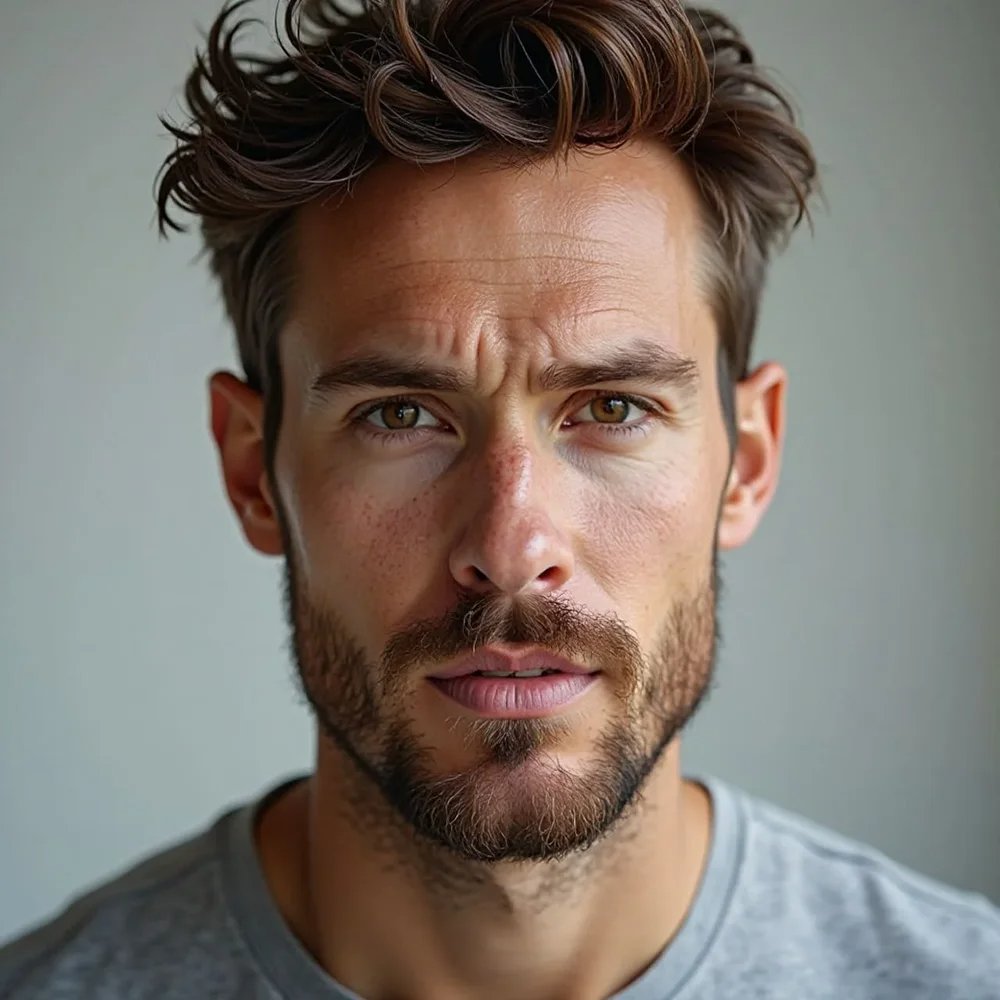
"Portrait of a man celebrating New Year 2026 before ChatGPT"

"Portrait of a man celebrating New Year 2026 after ChatGPT"
Prompt 12. City Night Portrait
Create a modern New Year portrait with a city skyline at night. Bright fireworks in the distance. Clean rim lighting around the subject. Stylish outfit. Cinematic color grading. Sharp clarity. Aspect ratio 3:4.
Prompt 13. Elegant Evening Portrait
Create an elegant evening New Year portrait. Dark background. Soft golden rim light outlining the subject. Calm and confident expression. Minimal distractions. High-end portrait photography. Aspect ratio 3:4.
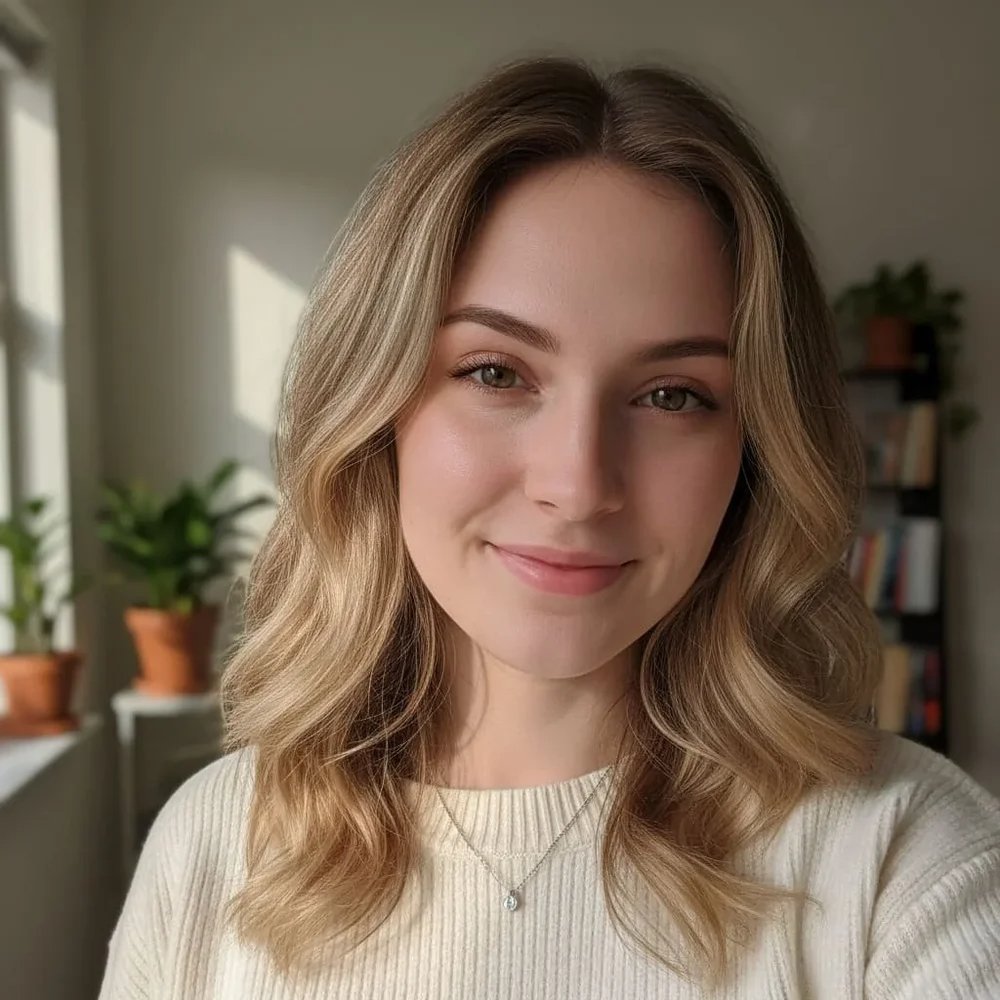
"Portrait of a woman celebrating New Year 2026 before ChatGPT"
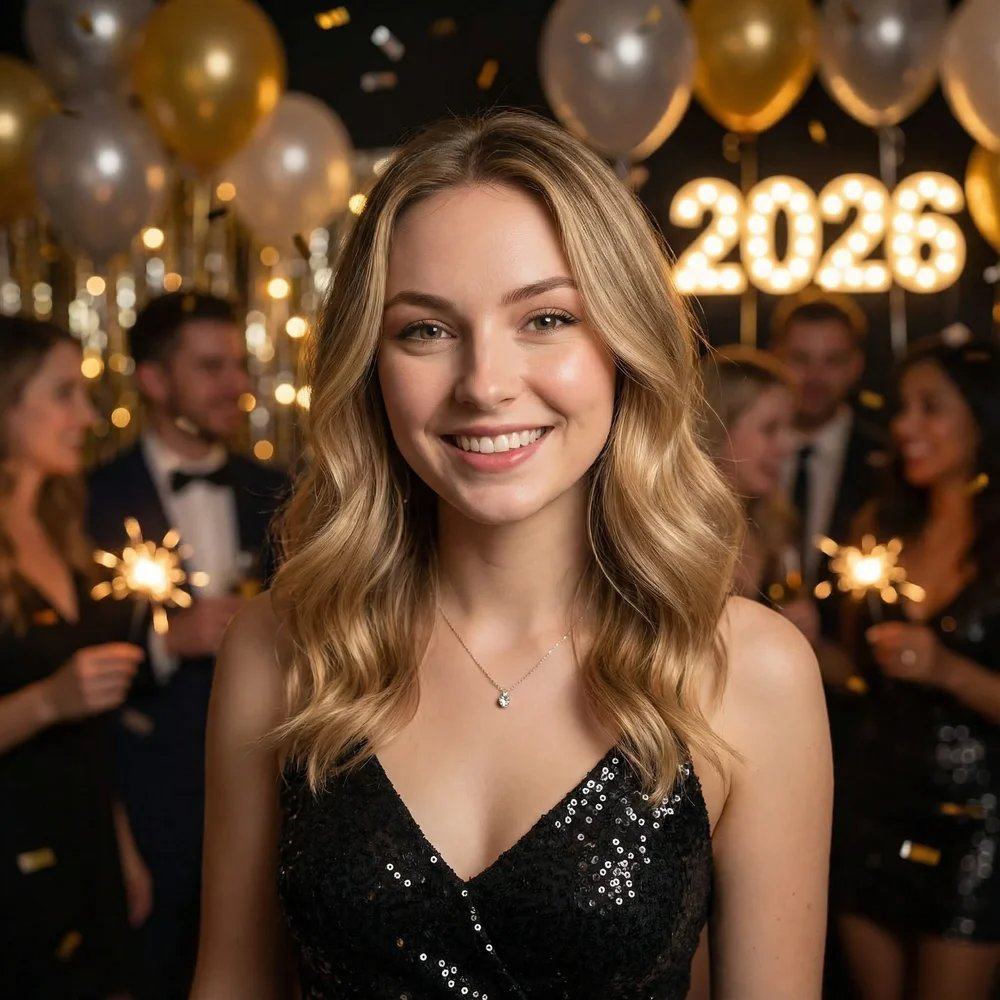
"Portrait of a woman celebrating New Year 2026 before ChatGPT"
4. Party & Celebration Scenes
Prompt 14. Midnight Countdown Scene
Create a New Year countdown scene at midnight. Large glowing digital numbers “00:00” in the background. Confetti frozen in the air. Crowd silhouettes cheering. Bright festive lights. High energy atmosphere. Aspect ratio 3:4.
Prompt 15. Champagne Toast Moment
Create a New Year celebration scene with people raising champagne glasses. Golden lighting reflects off glass surfaces. Fireworks visible behind. Candid expressions. Natural motion blur. Event photography style. Aspect ratio 3:4.

Prompt 16. Rooftop Party Scene
Create a rooftop New Year party scene. City lights below. Fireworks above the skyline. Guests wearing modern festive outfits. Wide-angle lens look. Cinematic composition. Aspect ratio 3:4.
Prompt 17. Indoor House Party
Create a cozy indoor New Year house party scene. String lights, balloons, and simple decorations. Friends laughing and talking naturally. Warm tones. Realistic lighting and shadows. Aspect ratio 3:4.
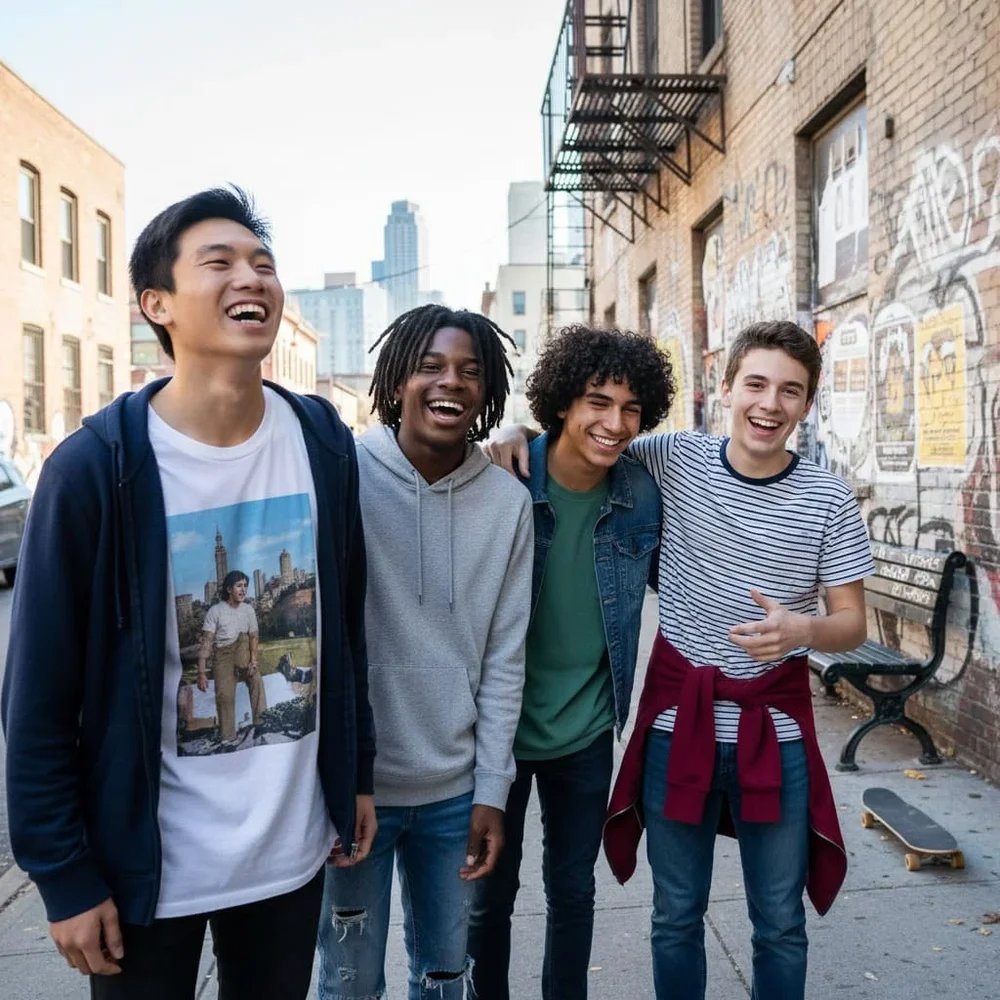
"Group of friends celebrating New Year 2026 before ChatGPT"
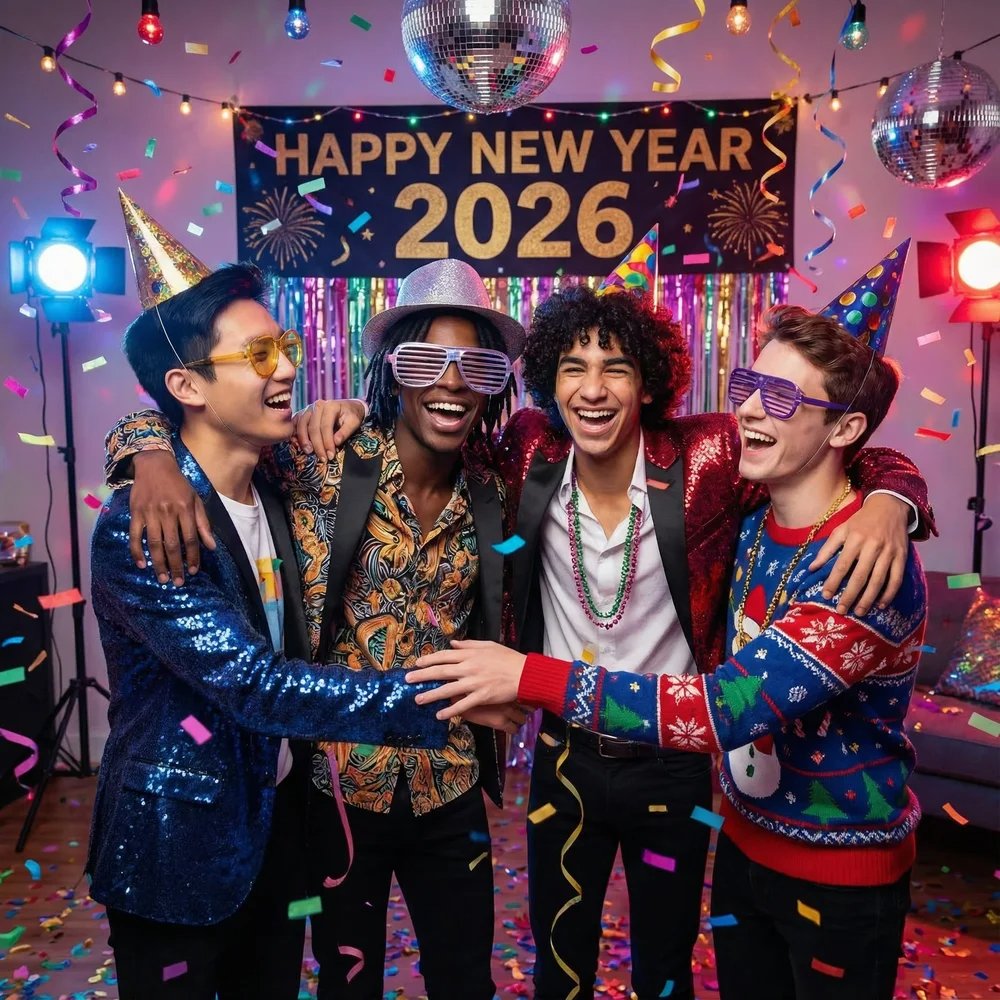
"Group of friends celebrating New Year 2026 after ChatGPT"
5. Creative, Aesthetic & Viral AI Styles
Prompt 18. Retro Neon New Year Poster
Create a retro New Year poster inspired by 1980s neon style. Use bright pink and electric blue lighting. Dark background. Bold typography reading “Happy 2026”. Soft glow and light trails. Fun and energetic mood. Aspect ratio 3:4.
Prompt 19. Snow Globe Effect
Create a New Year snow globe image. Place a person inside the glass globe. Snow gently falling. Warm lights inside. Frosted glass edges. Magical winter atmosphere. High detail. Aspect ratio 3:4.

Prompt 20. Soft Pastel Aesthetic Scene
Create an aesthetic New Year image using soft pastel colors. Smooth gradients. Minimal decorations. Clean composition. Calm and modern mood. Social media friendly. Aspect ratio 3:4.
Prompt 21. Dark Aesthetic Fireworks
Create a dark aesthetic New Year image. Black background. Gold fireworks exploding. Strong contrast lighting. Clean negative space. Stylish editorial tone. Aspect ratio 3:4.
Prompt 22. Anime-Style New Year Night
Create an anime-style New Year night scene. Winter city background. Colorful fireworks. Clean line art. Bright highlights. Soft glow effects. High-quality illustration. Aspect ratio 3:4.

"Little boy celebrating New Year 2026 before ChatGPT"
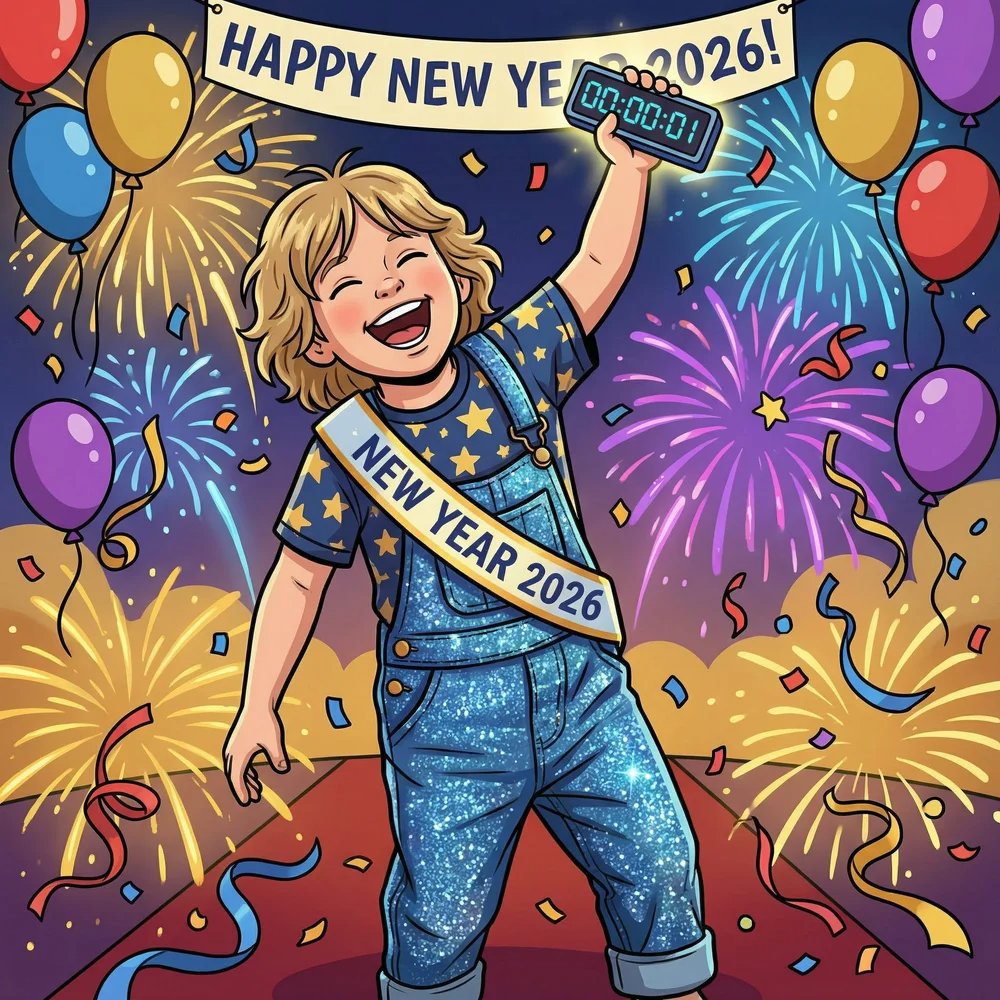
"Little boy celebrating New Year 2026 after ChatGPT"
Prompt 23. Cinematic Concert Scene
Create a cinematic New Year concert scene. Laser lights cutting through the air. Large cheering crowd. Stage smoke and light beams. High energy feeling. Wide cinematic shot. Aspect ratio 3:4.
Prompt 24. Fantasy Dream New Year
Create a fantasy New Year celebration scene. Floating glowing lights. Dream-like colors. Soft mist. Magical atmosphere. Artistic composition. Aspect ratio 3:4.
Prompt 25. Trendy Instagram New Year Visual
Create a trendy New Year visual designed for Instagram. Balanced layout. Soft light overlays. Modern lifestyle aesthetic. Clean background. High clarity. Aspect ratio 3:4.
Part 2. How to Generate New Year Photos with ChatGPT
Creating a New Year photo, or New Year Eve photo with ChatGPT and AI image tools is simple. You do not need design skills. You only need a clear idea and the right workflow.
Step 1: Choose the Type of New Year Photo
Start by deciding what kind of New Year/New Year Eve image you want. It can be a personal portrait, a greeting card, a party scene, or a clean aesthetic post. This decision helps ChatGPT understand the style and mood before generating the prompt.
Step 2: Ask ChatGPT to Write the Image Prompt
Open ChatGPT and describe your idea in simple words. Mention the style, mood, and year. ChatGPT will turn your idea into a detailed image prompt. You can keep the prompt as it is or slightly edit colors, lighting, or the aspect ratio for social media.
Step 3: Pick an AI Image Generator
Copy the prompt and paste it into an AI image generation tool. You can use ChatGPT’s image feature, or DALL·E, Midjourney, and other text-to-image platforms. These tools read the prompt and create a visual image based on your description.
Step 4: Upload a Photo if You Want a Personal Result
If you want the image to look like you, upload a photo to the AI tool. This step is optional but very popular for New Year profile photos. Add a short line in the prompt asking the AI to keep the face natural and realistic.
Step 5: Generate and Review the Image
Generate the image and take a close look at the result. Check the lighting, text position, and overall mood. If something feels off, small changes in the prompt can quickly improve the image.
Step 6: Refine and Regenerate
Most great AI images are not created on the first try. Adjust the prompt slightly and generate again. This step helps you reach a cleaner layout, better lighting, or a more festive New Year feeling.
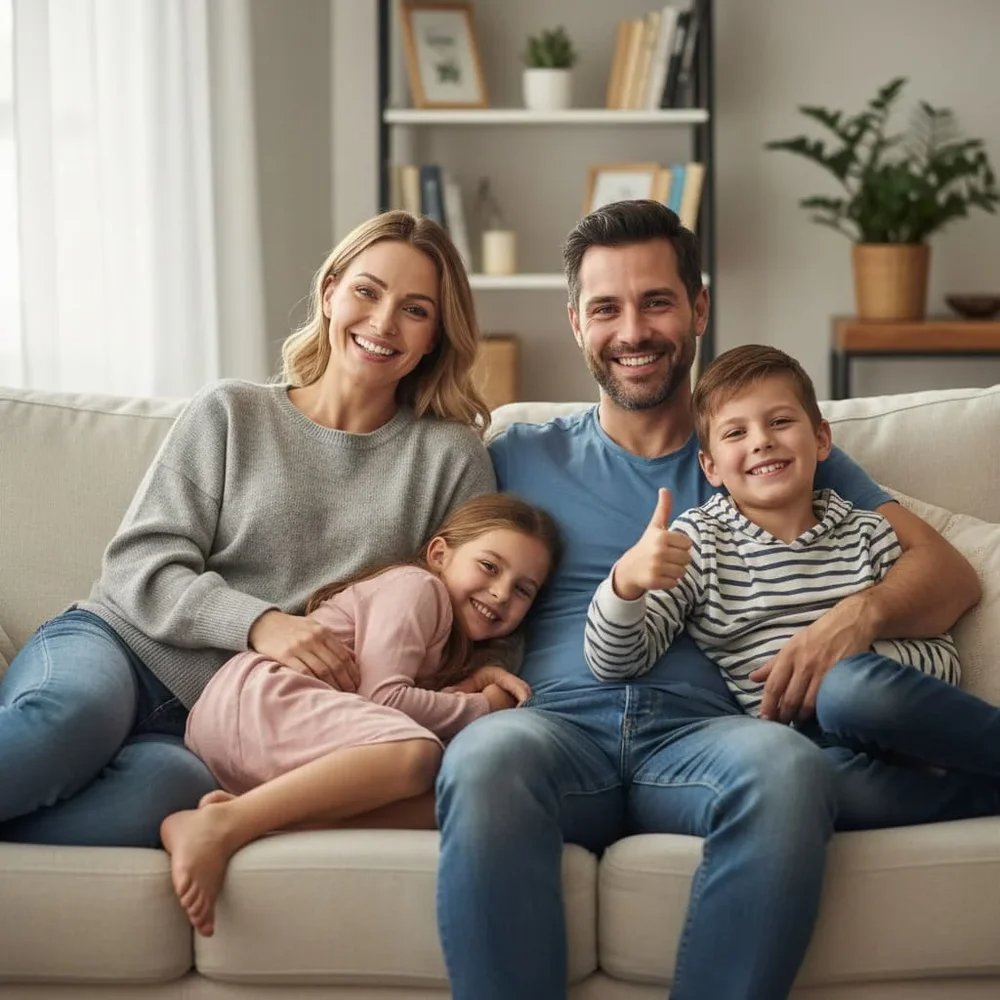
"Family celebrating New Year 2026 before ChatGPT"
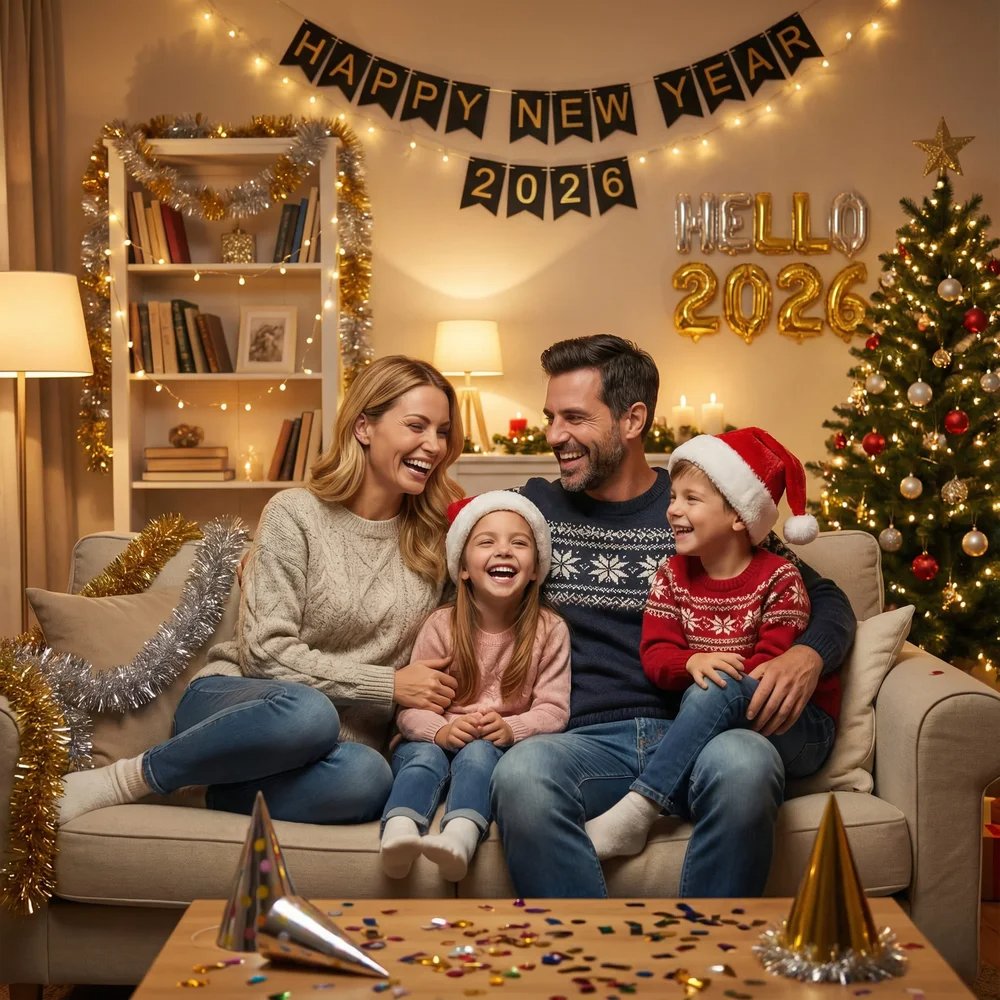
"Family celebrating New Year 2026 after ChatGPT"
Step 7: Save and Share Your New Year Photo
Once you are happy with the image, save it and share it on social platforms. Vertical images usually work best for Instagram and Facebook. Add a simple caption like “Hello 2026” or “New Year, New Start” to match the visual.
Part 3. Tips & Best Practices for New Year AI Photos

These simple tips help you create cleaner, more realistic New Year photos with AI.
1. Write Clear and Specific Prompts
Avoid vague words. Clearly describe the background, lighting, style, and mood. The more specific the prompt, the better the AI result.
2. Use Lighting Words to Shape the Image
Lighting controls the feeling of the photo. Words like soft light, warm glow, or cinematic lighting help improve quality fast.
3. Keep the Scene Simple
Do not add too many elements. One main subject works best. Clean scenes look more modern and professional.
4. Set the Right Aspect Ratio
Vertical images perform better on social media. Add aspect ratio 3:4 or vertical composition to your prompt.
5. Protect Faces in Personal Photos
If you upload a photo, ask the AI to keep the face realistic and unchanged. This avoids strange results.
6. Refine and Regenerate
Most good AI images need more than one try. Make small edits and regenerate until the image feels right.
Part 4. Upgrade Your New Year Photos with AI for Free
When generating New Year photos with AI, outfits often become a problem. The scene looks great, but the clothes do not match the holiday mood. This is where an PixPretty AI Clothes Changer can help.
PixPretty AI Clothes Changer lets you change outfits in your photos without manual editing. You can switch to festive looks, elegant party wear, or clean minimal styles in seconds. No design skills needed.
This tool works especially well when:
- Your AI image looks good, but the clothing feels off
- You want a New Year party outfit without retaking photos
- You need different styles for social posts or profile pictures
If you are creating New Year portraits, greeting visuals, or social media posts, PixPretty helps you finish the look quickly and cleanly.
Conclusion
Make your New Year photos stand out using clear and creative ChatGPT prompts. Whether you want stylish portraits, fun party visuals, or brand posts, good prompts make a big difference.
And don’t forget to use tools like PixPretty AI Clothes Changer to upgrade your look before sharing.
Celebrate 2026 in style and watch your social posts shine!
PixPretty AI Clothes Changer
- Create charming Christmas looks with ease
- Turn everyday photos into festive holiday scenes
- Perfect for Christmas photos and family moments