


The CapCut Template New Trend 2026 is transforming how creators edit videos. From cinematic effects and slow-motion reels to stylish girl edits, these templates make content more engaging and visually stunning. Free and easy-to-use, they are perfect for Instagram, TikTok, and social media posts.
To make these edits truly stand out, many creators also enhance their visuals beforehand—such as refining outfits, adjusting backgrounds, or cleaning up photo details—so the final video looks more polished and consistent.
In this article, we’ll explore the hottest CapCut templates, show step-by-step how to use them, and highlight the most popular trends of 2026.
Table of Contents
Top Categories of CapCut Templates New Trend 2026
The CapCut Template New Trend 2026 offers a wide variety of creative options, making it easy for creators to keep their content fresh and engaging. Choosing the right template category helps videos stand out and match trending aesthetics.
1. Transition Templates – Smooth and Fun
These templates are perfect for outfit changes, glow-ups, or travel videos. They add smooth cuts and transitions that match the beat of trending music.
Popular Use Dance videos, lifestyle clips.

2. Text Animation Templates – Add Captions Easily
Text animation templates make captions, tutorials, or short messages look dynamic. They make your videos more interesting and easier to follow.
Popular Use Motivational clips, how-to videos.

3. Slow-mo TikTok & Instagram Trend Templates – Viral Trends
These templates use popular music and trending effects. They help your videos reach more viewers and stay on top of viral trends.
Popular Use Dance challenges, trending songs.

4. Photo Montage Templates – Combine Photos and Clips
Photo montage templates let you put multiple images or clips together. They are great for travel videos, memories, or events.
Popular Use Travel highlights, birthday videos.

5. Cinematic Templates – Make Movie-Like Videos
Cinematic templates add slow-motion, color effects, and professional looks to your videos. They are easy to use even for beginners.
Popular Use Travel vlogs, storytelling videos.

6. Effect-Heavy Templates – Eye-Catching Videos
These templates include glitch effects, slow-motion, and bold transitions. They help your videos stand out and grab attention quickly.
Popular Use Music videos, dramatic clips.

Where to Safely Download CapCut Templates
Downloading the right CapCut template new trend 2026 safely is crucial for creating professional-quality videos. Using official sources ensures your templates work correctly, are free from risks, and match the latest trends.
Best Platforms to Find CapCut Templates
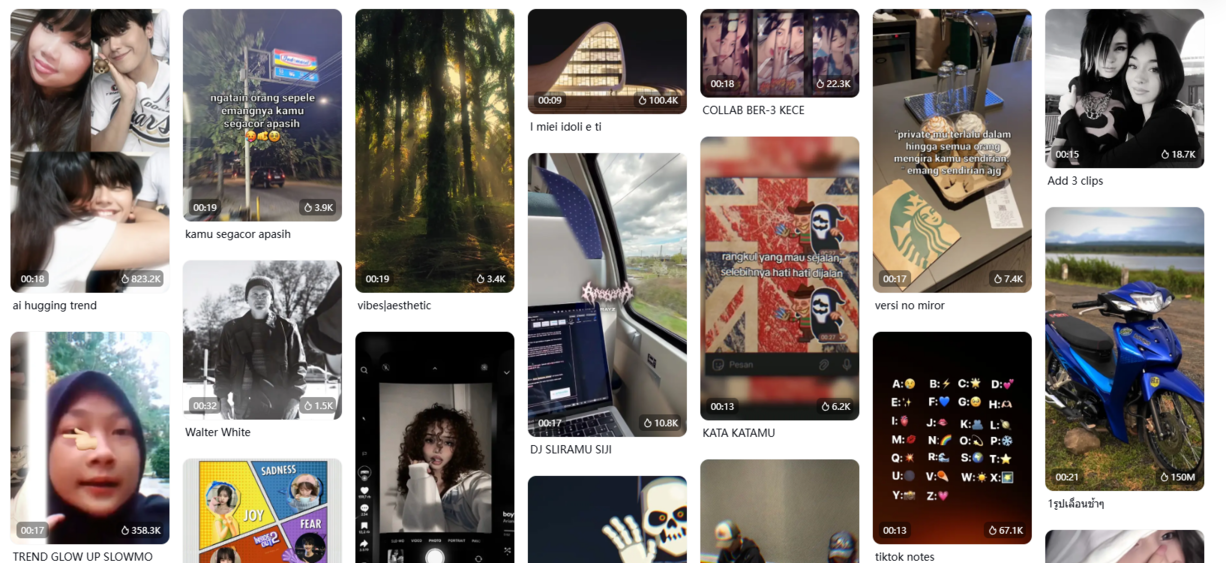
CapCut Official Library: Free, safe, and regularly updated templates. You should log in to continue.
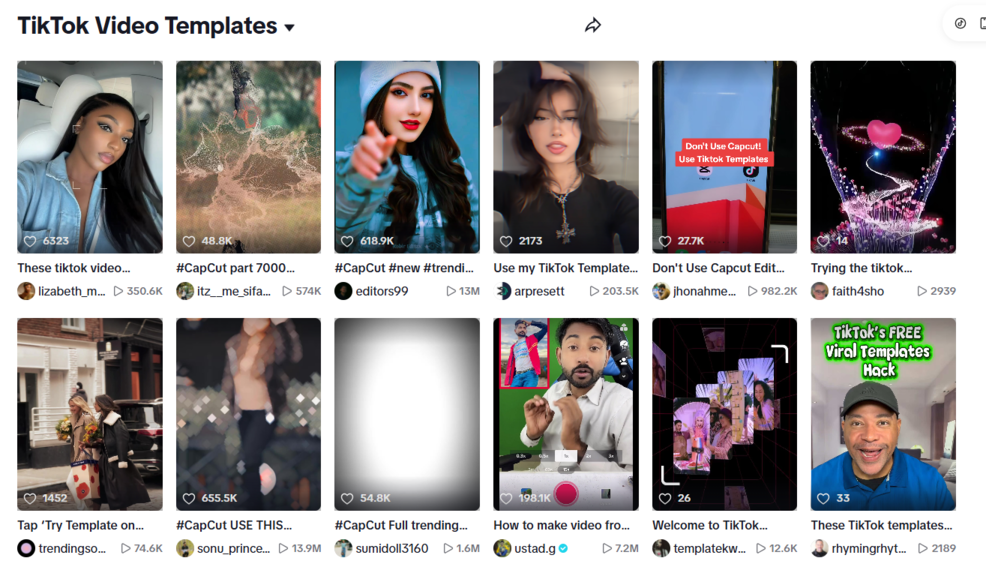
TikTok Template Links: Creators often share trending templates in their bio or captions.
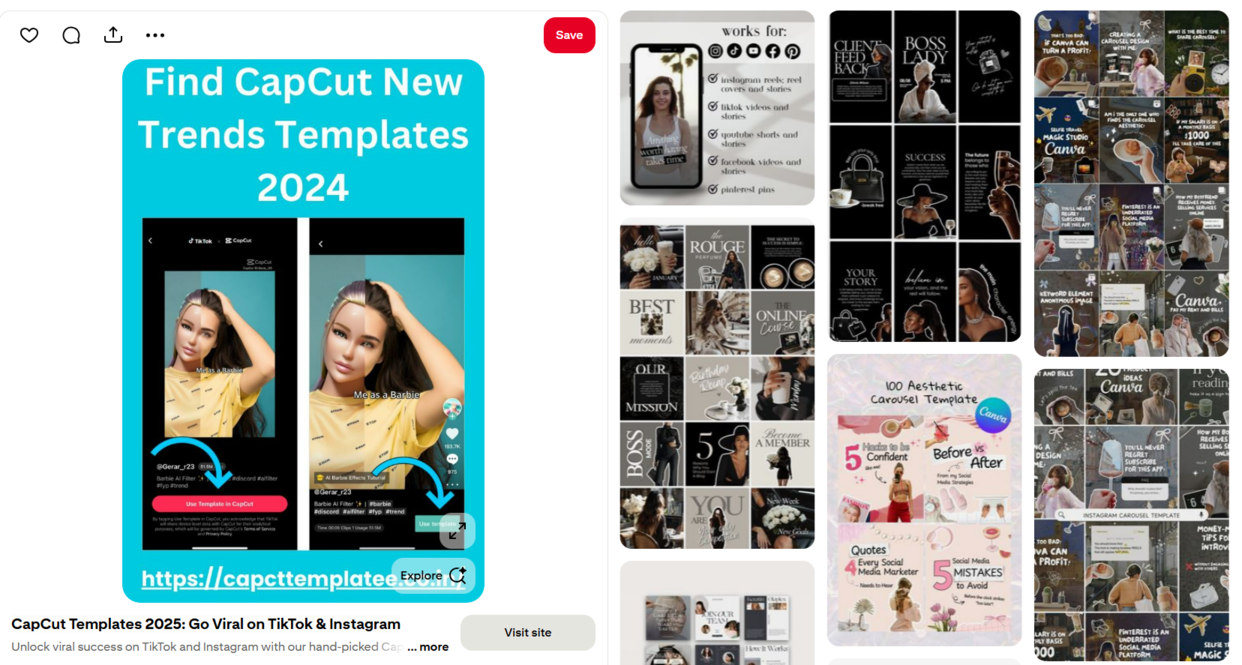
Pinterest Boards: Search “CapCut Template 2026” for aesthetic ideas and inspiration.
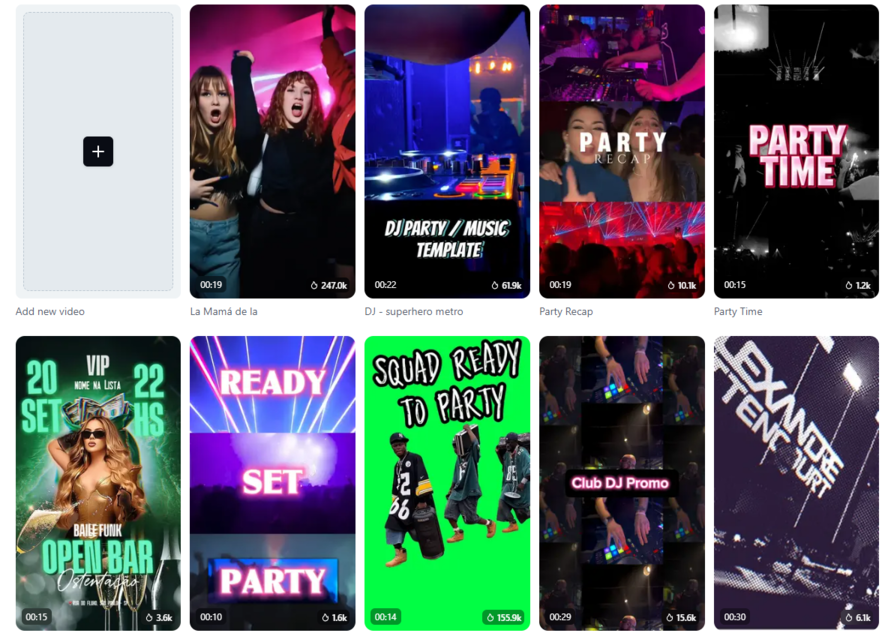
CapCut Community Groups: Facebook and Reddit groups frequently share the latest trending templates.


Step-by-Step Guide: How to Use CapCut Template New Trend 2026
Using a CapCut template new trend reels makes video editing quick and easy. You don’t need to create every cut from scratch. Just follow these simple steps:
Step 1: Choose a Template
Open CapCut and go to the Template tab. Browse the trending templates in the For You section. When you find one you like, tap Use Template.

Step 2: Add Your Clips
Insert your photos or videos into the template slots. Tap Next, and CapCut will automatically sync your clips with the transitions and music.
Step 3: Customize Your Video
You can change clips, text, or music in the preview screen to match your style. Make it personal while keeping the professional look.
Step 4: Export Your Video
Tap Export when your edits are ready. Choose 1080p for the best quality on TikTok and Instagram.
Step 5: Share Your Video
If your CapCut is linked to TikTok, you can export without a watermark. For Instagram, export to your device first, then upload.

Prepare Your Visuals Before Using CapCut Templates
While CapCut templates take care of transitions, effects, and timing, the quality of your visuals still plays a huge role in how professional the final video looks. If the outfits in your photos don’t match the style of the template, even the best transitions can feel off.
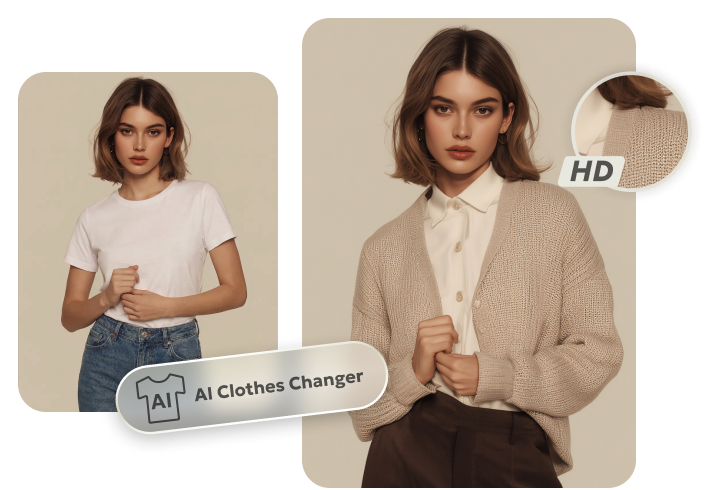
That’s why many creators adjust their visuals before editing videos. For outfit-change transitions, glow-up videos, or fashion-style Reels, using an AI clothes changer allows you to switch outfits instantly, match different aesthetics, and keep a consistent look across all clips.
With tools like PixPretty AI Clothes Changer, you can quickly change clothing styles in photos without reshoots—making it much easier to prepare that fit cinematic, slow-motion, or aesthetic CapCut templates. This simple preparation step helps transitions look smoother and makes your videos feel more polished and intentional.
PixPretty AI Clothes Changer
- Instantly change outfits with AI in 1 click
- Realistic AI previews for every top, bottom, or dress
- Create and explore endless outfits and OOTDs without editing
Best CapCut Template New Trend 2026 for Viral Reels
Using the latest CapCut template new trend 2026 can make your videos look professional and help them go viral. Slow-motion templates, aesthetic edits, and trending Reels templates let you turn ordinary clips into eye-catching content quickly. These templates are perfect for Instagram Reels, TikTok videos, vlogs, or marketing clips.
Top Trending CapCut Templates 2026
The End 2026:
Perfect for closing videos, recaps, and reflective storytelling.
Relatable:
Ideal for everyday humor and content viewers instantly connect with.

Just Like the Wind:
A dynamic template for travel, lifestyle, or motion-heavy clips.

Loyal:
Great for emotional moments, friendship highlights, or sentimental reels.

Come On Superman:
Fun and versatile, perfect for memes, punchlines, or industry jokes.

2026 Memories:
Show your favorite moments, events, or milestone highlights in style.
I Like Your Style:
Trendy and stylish edits, ideal for fashion and lifestyle content.

Final Words:
The CapCut template new trend 2026 brings fresh styles that make your videos stand out instantly. From slow-motion effects to viral Reel templates, these trends help you create clean, modern, and engaging content with very little effort. Keep exploring new templates, try different ideas, and match them with trending audio to stay ahead. With CapCut’s latest designs, making eye-catching Instagram and TikTok videos becomes easy for everyone.


