


GTA-style images are everywhere now. People use them for profile pics, social media, or just for fun art projects. They stand prominent with those bold, dramatic vibes. But if you want your images to really pop, you need a perfect GTA-style AI prompt that actually gets what you’re after. Here, we’ll share some helpful tips so you can craft effective prompts, alongside 20+ examples ready for you to use!

Table of Contents
Part 1: What Is a GTA-Style Photo?
A “GTA-style photo” is when an AI filter in a GTA-style photo editor changes a real photo to look like artwork from the Grand Theft Auto game. You upload an image, and the AI adjusts the colors to be brighter and more dramatic, simplifies details, and adds a gritty, painted look.
The result is a stylized image that resembles a GTA cover or loading screen, often used for profile pictures or social media. You can also create a GTA-style AI prompt, which is a short text that tells a GTA-style AI generator to create images that look like the GTA game style. Here are the tools with which you can use the prompt:
1. AI Art Platforms: Use text-to-image tools like CGDream.ai or style guides for chatbots such as ChatGPT. You enter a full, detailed prompt to generate the image.
2. GTA Filter Tools: Sites like Bgrem.ai, Media.io, Dzine.ai, and Krea.ai let you upload a photo and add a text prompt to apply the GTA-style look.
Part 2: How to Craft an Effective GTA-Style AI Prompt?
Your ChatGPT GTA-style prompt should combine specific artistic terms with references to iconic GTA elements. Here are the important components:
1. Art Style: Describe the overall look using terms like cinematic, stylized realism, cel-shaded, high contrast, bold outlines, and bright, saturated colors. Example: “cinematic GTA V loading screen style with vibrant colors and sharp lighting.”
2. Subject & Setting: Clearly state who or what is in the image and where it takes place, such as characters, city streets, graffiti alleys, or vehicles. Example: “portrait of a young man with messy dark hair in an urban alley with graffiti.”
3. GTA Era Style: Mention a specific GTA game to guide the color palette and mood, like Vice City, San Andreas, or GTA V. Example: “GTA Vice City look with a 1980s neon color palette.”
4. Mood & Lighting: Define the atmosphere using lighting and tone words like gritty, dramatic shadows, neon lights, or sunset scenes. Example: “gritty urban mood with neon lights and a sunset skyline.”
Part 3: 20+ GTA-Style Prompts For Creating Photos
Here are 20+ GTA-style prompts you can use with ChatGPT, Gemini, or any photo editor to create a GTA photo effect online for free:
Classic Character Portraits
Here are some examples of prompts that focus on individual characters, capturing their style, attitude, and the signature GTA look:
-
1.A gangster man with slicked-back hair and a black leather vest in a GTA 5 art style, with an urban alley background.
-
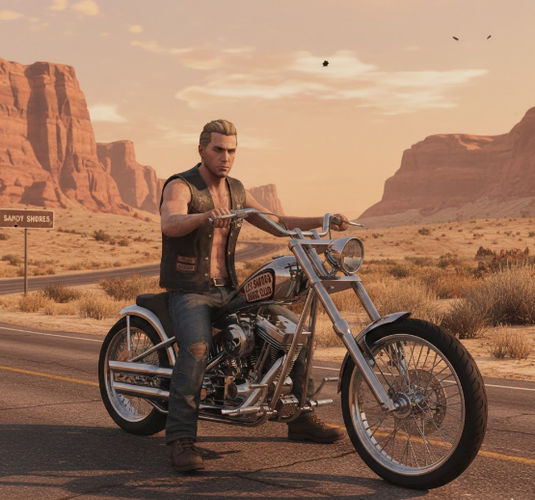
2.Pale-skinned male biker with slicked-back blonde hair on a motorcycle in an arid desert, GTA V style.
-
3.A Croatian woman in her 20s wearing professional attire, leaning on a security vehicle with cinematic GTA V lighting.

Action & City Scenes
The following prompts capture movement, dramatic lighting, and the fast-paced energy of the streets:
-
1.Neon-lit downtown at night with wet streets reflecting colorful signs, a GTA-inspired look.
-
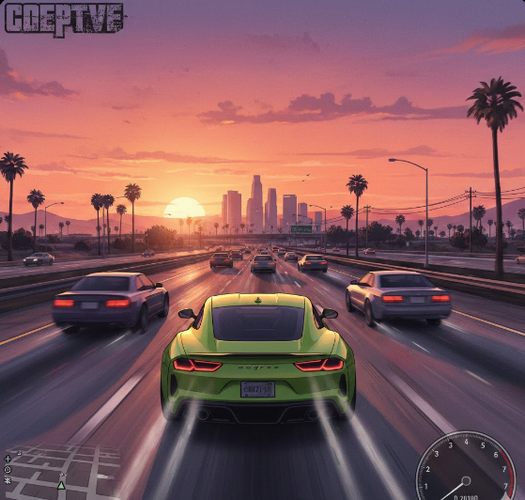
2.Sports car speeding on a freeway at sunset with motion blur, GTA V-style artwork.
-
3.An action hero standing beside a getaway car with dramatic shadows, bold lines, and vibrant colors, GTA-style.

Lifestyle & Satire
These prompts mix playful scenarios, luxury parody, and adventurous moments for a unique GTA-style twist:
-
1.Luxury satire scene: a character in a designer hoodie and heels, surrounded by money and props, in a wild west setting, GTA 5 style.
-
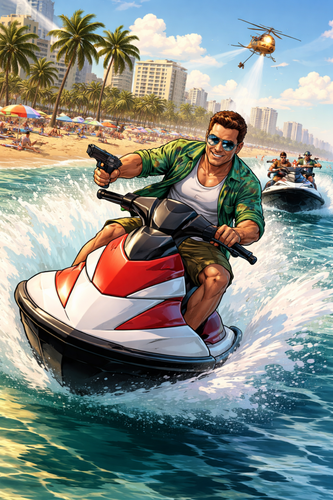
2.Beach chase scene with a character on a jet ski, summer vibes, stylized GTA look.
-
3.Gaming poster: a group photo turned into an epic GTA-style poster for a gaming room.

Vehicles & Props
Here are some prompts that outline detailed cars, bikes, and other objects, adding color, action, and personality to your images:
-
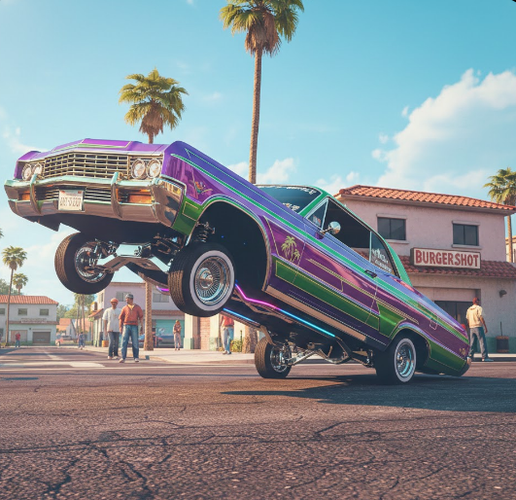
1.Custom lowrider on a sunny Los Santos street, GTA San Andreas style, colorful and vibrant.
-
2.A rugged off-road vehicle splashing through mud in Blaine County, in a gritty and realistic GTA V style.

Detailed & Stylized
The following prompts focus on intricate details, bold lines, and unique artistic touches for a striking GTA look:
-
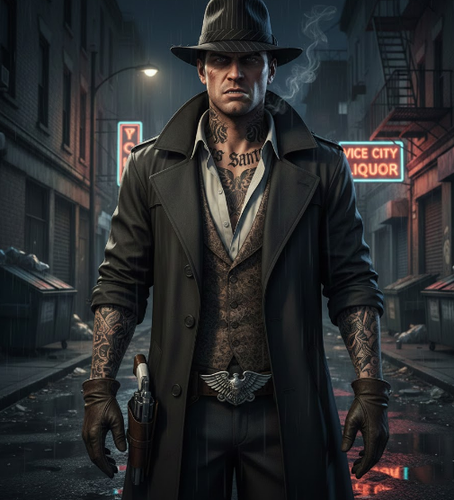
1.Hyper-detailed character with tattoos and unique clothing, an expressive face, film-noir lighting, and GTA V realism.
-
2.GTA 5-style illustration with cartoon vibes, bold lines, and exaggerated features.

Environment & Mood
-
1.Gritty urban scene with deep blues and vibrant oranges in the Los Santos skyline, GTA Vice City style.
-
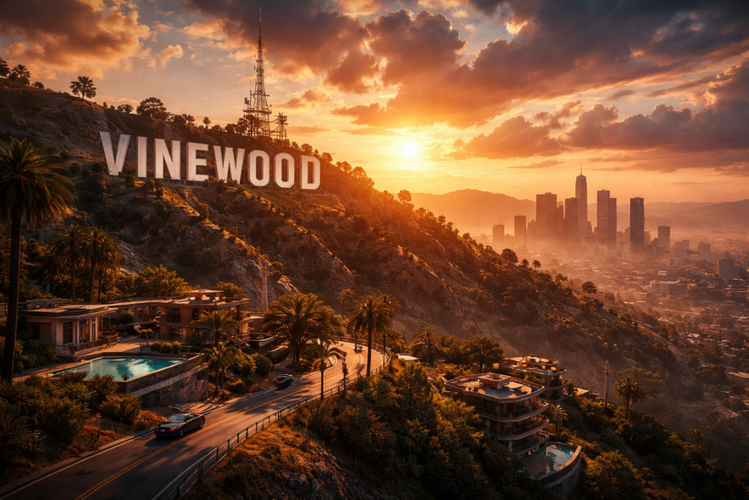
2.Vinewood Hills at golden hour with dramatic lighting and a cinematic GTA V feel.
-
3.Vast desert landscape under harsh sunlight, desolate and atmospheric in GTA V style.

Specific Game Aesthetics
Here are some examples of prompts that focus on lighting, colors, and landscapes to create gritty, cinematic, and immersive settings:
-
1.GTA Vice City style with 1980s neon colors, magenta and cyan lighting, art deco buildings, and pastel suits.
-
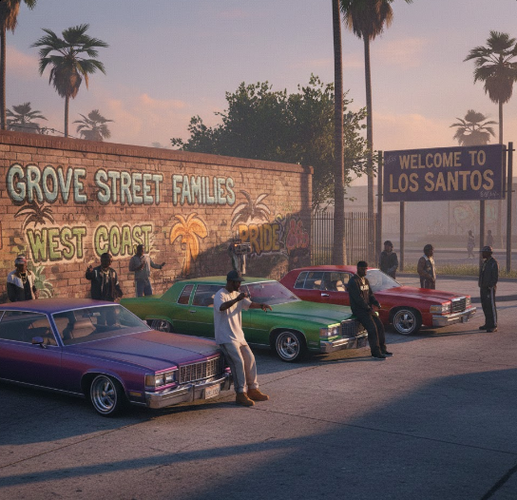
2.GTA San Andreas vibe with early 90s hip-hop fashion, lowriders, graffiti, and warm haze.
-
3.GTA 6-inspired concept with ultra-realistic graphics, detailed water physics, and a modern Vice City look.

Creative & Abstract
These prompts focus on bold styles, cel-shading, and playful, imaginative ideas for eye-catching visuals:
-
1.Cel-shaded scene with sharp contrast, bold black outlines, and flat colors.
-
2.GTA V loading-screen-style art with a paused action moment and subtle UI overlay.

-
3.Satirical in-game billboard ad for a fake product, parody style, on a city street, GTA 6-style.

Character Deep Dive
Here we go deeper into characters, bringing out personality and stories in your GTA-style images:
-
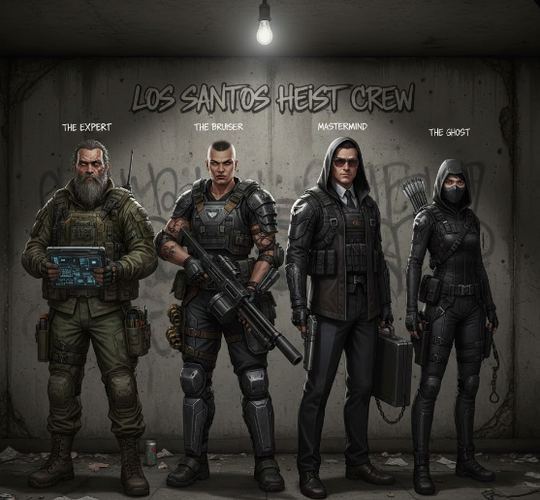
1.A heist crew lineup of four unique characters in tactical gear inside a rundown safehouse, each with a distinct story, GTA-style.

[Extra Tip] Change Dressing In Your GTA-Style Pic With a Free AI Clothes Changer
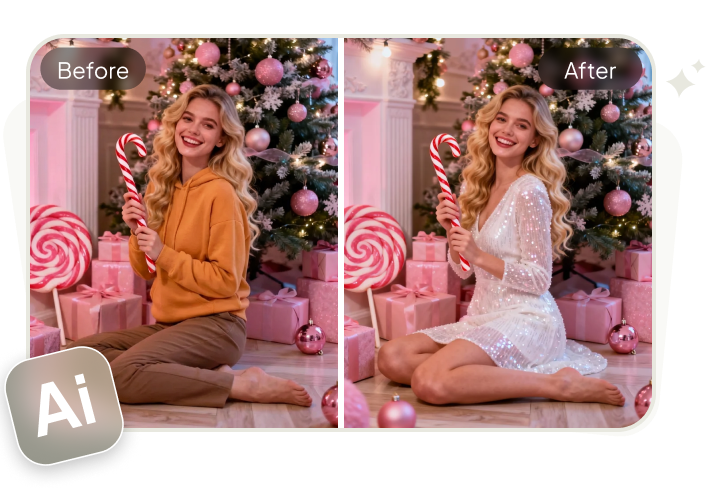
If you wish to swap clothes with your desired dressing in your GTA-style pictures, then Tenorshare PixPretty offers an AI Clothes Changer for free. The tool lets you quickly see how different outfits look on a person, with realistic HD results and no technical skills needed. It adjusts clothes to match body shape, pose, and lighting for a natural look.
PixPretty AI also offers many filters, effects, and presets, and image editing tools to resize, compress, and convert pictures. Moreover, you can remove backgrounds and watermarks, retouch portraits, and improve faces, bodies, hair, and skin color. The tool can also replace or extend backgrounds, even complex ones, with ease.
Conclusion
GTA-style photos are a fun way to turn real images into bold, game-inspired artwork using AI tools and a well-crafted GTA-style AI prompt. By combining the right art style, subject details, GTA-era references, and mood, anyone can create images that look like GTA covers or loading screens.
You can also swap the dressing of your characters in the GTA-style pictures with your desired one with Tenorshare PixPretty’s free AI Clothes Changer. PixPretty also offers powerful editing tools to adjust outfits, refine portraits, and perfect backgrounds, helping you create eye-catching GTA-style images with no technical skills required.
PixPretty AI Clothes Changer
- Create charming Christmas looks with ease
- Turn everyday photos into festive holiday scenes
- Perfect for Christmas photos and family moments
Related Articles:


