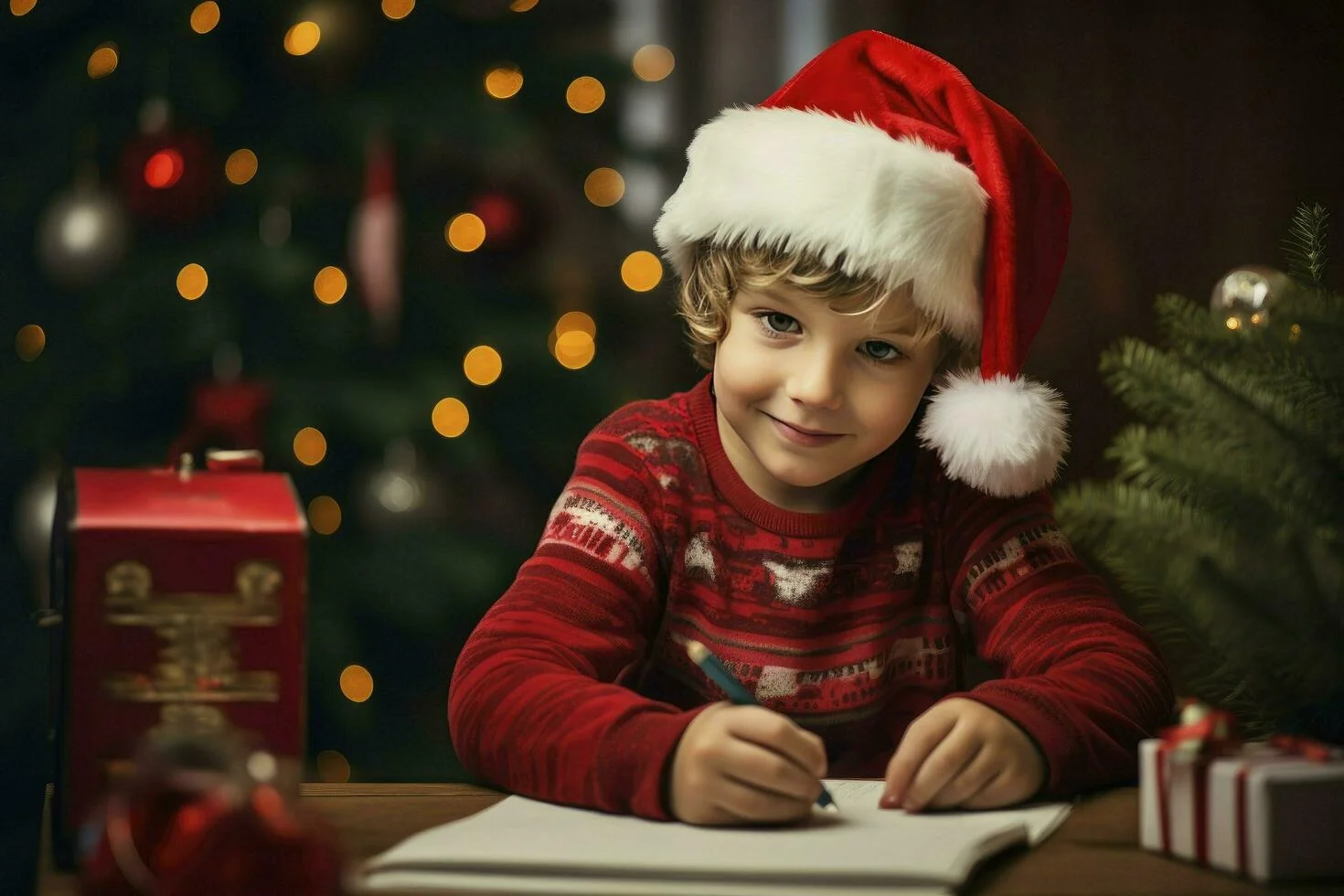
The holiday season is upon us, and with the rise of AI-powered art tools, there’s a whole new way to add festive magic to your creations.
Whether you’re a parent looking to make unique gifts for your boy, or a creator searching for inspiration, this guide will provide you with over 20 Christmas AI prompts tailored specifically for boys.
Table of Contents
Part 1: 20+ Christmas AI Prompts for Boy
Prompt 1: Snowy Winter Adventure
Create a highly detailed image of a young boy on a snowy mountain adventure. He’s wearing a red and green winter jacket, with a matching scarf and beanie. The snow-covered trees sparkle under the bright winter sun, and a distant mountain range can be seen. The scene should have a playful and adventurous mood, with snowflakes gently falling around him.
Prompt 2: Gingerbread Baking Scene
Create a photorealistic image of a boy baking gingerbread cookies with his family. He’s standing at a kitchen table, wearing a red plaid apron over a white long-sleeve top, rolling out the dough with a rolling pin. The kitchen is decorated with wreaths, fairy lights, and trays of gingerbread cookies ready to be decorated. The atmosphere is warm, cozy, and festive.

Prompt 3: Christmas Morning Surprise
Depict a boy waking up on Christmas morning, excited to see the gifts under the tree. He’s wearing festive pajamas with reindeer and snowflakes. The room is filled with presents, stockings hanging by the fireplace, and a beautifully decorated tree adorned with twinkling lights and ornaments. The scene should capture the wonder and joy of Christmas morning.
Prompt 4: Sledding Down a Hill
Generate an image of a young boy sledding down a snowy hill. He’s wearing a winter coat, gloves, and a bright red hat. His sled is speeding down, and the background shows snow-covered trees and a snowy landscape. The sky is blue with a few clouds, and the image should feel exciting and full of motion.
Prompt 5: Snowman Building Fun
Illustrate a boy building a snowman with a carrot nose and a scarf. He’s wearing a blue winter jacket, mittens, and snow boots. The snowman is standing tall with a top hat and a buttoned-up coat. The background features snow-covered trees and a few playful animals watching the scene.

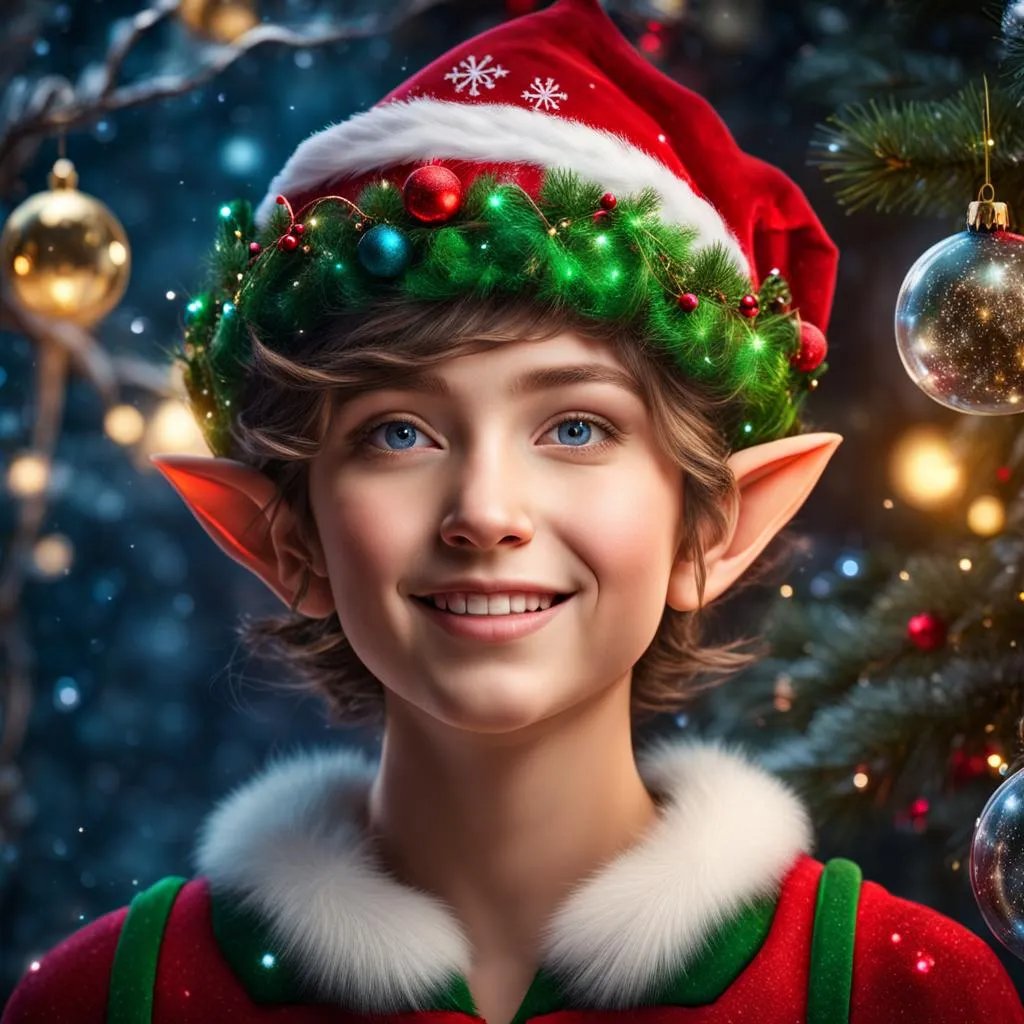
Prompt 6: Santa’s Workshop Elf
Create a detailed scene of a boy dressed as an elf, working in Santa’s workshop. He’s surrounded by toys, wrapping paper, and elves busy at work. The room is filled with warm light, festive decorations, and a sense of busy holiday preparation. The boy has a joyful expression as he paints toy cars.
Prompt 7: Christmas Eve Storytime
Generate an image of a boy sitting by the fireplace, reading a Christmas storybook. He’s wrapped in a cozy blanket, wearing slippers and listening intently to a parent or grandparent reading aloud. The room is decorated with garlands, stockings, and a flickering fire.
Prompt 8: Reindeer Ride
Create a magical scene of a boy riding on a reindeer through a snowy forest. The boy is bundled up in a red scarf and jacket, holding onto the reindeer’s antlers. The background shows a winter wonderland with falling snowflakes and sparkling trees.
Prompt 9: Christmas Parade Float
Illustrate a boy riding on a float during a Christmas parade. He’s dressed as a snowman, with twinkling lights decorating his costume. The float is surrounded by festive decorations, and a crowd of people is cheering. The scene should convey excitement and holiday cheer.
Prompt 10: Ice Skating on a Frozen Pond
Generate an image of a boy ice skating on a frozen pond, surrounded by snow-covered trees. He’s wearing a red sweater and black gloves, gracefully gliding across the ice. In the background, there are people skating and building snow forts.
Prompt 11: Christmas Tree Decorating
Illustrate a boy decorating a Christmas tree with colorful ornaments and shiny tinsel. He’s wearing a green sweater and red mittens. The tree is adorned with sparkling lights, and the room is filled with holiday cheer.

Prompt 12: Holiday Train Ride
Create a scene of a boy looking out of the window of a holiday train. The landscape outside is a winter wonderland, with snow-covered trees and twinkling lights. The train car is decorated with garlands, and other passengers are enjoying the festive atmosphere.
Prompt 13: Hot Cocoa by the Fireplace
Generate an image of a boy sitting by the fireplace, holding a mug of hot cocoa with whipped cream. He’s wearing a festive sweater and a knitted hat. The room is cozy with stockings hung by the chimney and a Christmas tree in the corner.
Prompt 14: Santa’s Sleigh Ride
Illustrate a magical scene of a boy flying in Santa’s sleigh over a snowy village. The sky is filled with stars, and the sleigh is pulled by reindeer. The boy is bundled up in a red coat, enjoying the view as they soar above the rooftops.
Prompt 15: Christmas Gift Wrapping
Create a detailed scene of a boy wrapping Christmas presents with colorful wrapping paper and ribbons. He’s sitting at a table, carefully folding the paper and adding a bow. The room is filled with holiday decorations and the faint glow of Christmas lights.

Prompt 16: Christmas Dinner Feast
Generate an image of a boy sitting at the dinner table during a Christmas feast. The table is full of delicious holiday foods like turkey, mashed potatoes, and cranberry sauce. He’s wearing a festive sweater and is surrounded by family members enjoying the meal.
Prompt 17: Toy Train Set
Illustrate a boy playing with a Christmas-themed toy train set under the Christmas tree. The train is decorated with lights and small holiday figurines. The boy is smiling, enjoying the magic of the season as the train chugs along the tracks.
Prompt 18: Snowball Fight
Create a fun and playful scene of a boy having a snowball fight with friends. He’s wearing a green jacket and blue snow pants, holding a snowball in one hand. The background shows a snowy yard, with trees and houses covered in snow.
Prompt 19: Gingerbread House Creation
Generate an image of a boy decorating a gingerbread house with colorful candy. He’s wearing a red sweater and has a big smile on his face as he places gumdrops and icing on the house. The kitchen is decorated with festive holiday touches.
Prompt 20: Christmas Village Display
Create an image of a boy setting up a miniature Christmas village under the tree. The village is made up of tiny houses, trees, and figurines. The boy is focused on placing the last piece of the display, and the scene is lit with soft, twinkling lights.
Prompt 21: Snowy Forest Adventure
Illustrate a boy on an adventure through a snowy forest, bundled up in a warm coat and scarf. He’s walking along a path surrounded by towering trees covered in snow, with snowflakes gently falling around him. The atmosphere should feel peaceful and serene, capturing the beauty of winter.
Part 2: How to Generate Christmas AI Images for Boy
Step 1: Choose an AI Image Generation Tool
To start creating AI images, you need to select a reliable AI platform. Two popular options for generating Christmas-themed images are:
- ChatGPT: ChatGPT helps you create detailed text prompts for image generation tools like DALL·E or MidJourney.
- Gemini: Gemini is a Google AI tool that generates realistic images based on your text descriptions, perfect for holiday themes.
You can also find more AI tools like MidJourney, Stable Diffusion, etc.
Step 2: Input Your Prompt Into the AI Tool
To generate a great Christmas AI image, you can directly use or customize the prompts from Part 1.
- ChatGPT: Use ChatGPT to create a prompt, then input it into an image generator like DALL·E or MidJourney.
- Gemini: Directly enter your prompt into Gemini’s interface to get the image.
Step 3: Edit and Customize (Optional)
After the AI generates the image, you can:
- Change the Clothes: Use tools like PixPretty AI Clothes Changer to modify outfits.
- Adjust Background: Add extra details like Christmas trees or more snow.
- Refine Colors: Modify lighting and colors to match your vision.
Step 4: Download Your Image
Once you’re happy with the image, simply download it. You can now use it for holiday cards, gifts, or any festive project!
With tools like ChatGPT and Gemini, creating personalized Christmas images for boys is quick and easy. Enjoy generating your holiday magic!
Part 3: Tips to Create Perfect Christmas AI Images for Boy
- Be Specific with Prompts: The more detailed your prompt, the more accurate the image will be. For instance, specify colors, actions, and props.
- Experiment with Styles: AI tools allow you to experiment with different styles, such as cartoon, realistic, or watercolor.
- Use High-Quality Images: For the best results, provide the AI tool with high-quality reference images.
- Add Personal Touches: Include elements that are personal to the boy, like favorite toys, sports, or clothing.
Part 4: Enhance the Christmas Spirit with Pixpretty AI for FREE
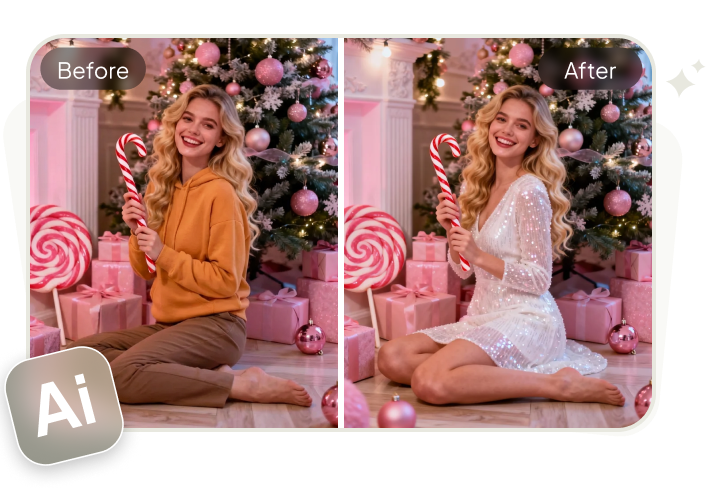
One of the best tools for enhancing the holiday spirit is PixPretty AI Clothes Changer. This tool allows you to change outfits in your AI-generated images, giving the boy in your image the perfect festive attire, whether it’s a Santa suit, winter coat, or reindeer costume.
You can find the tool and enjoy transforming your holiday images effortlessly.
Conclusion
Christmas is a magical time, and with the help of AI tools like PixPretty AI Clothes Changer, you can bring the holiday spirit to life with unique and festive images.
Whether you’re looking to create personalized gifts or simply celebrate the season, these Christmas AI prompts for boys are sure to inspire joy and creativity.
PixPretty AI Clothes Changer
- Create charming Christmas looks with ease
- Turn everyday photos into festive holiday scenes
- Perfect for Christmas photos and family moments