


A logo can create a lasting first impression in seconds. That's why more brands are using AI to accelerate identity design without compromising on creativity. You can now generate logos with AI via tools such as Midjourney, DALL-E or Adobe Firefly. But the output is largely up to how you describe your brief. A well-written AI prompt for logo design works like a mini creative brief. It tells the model what your business represents and how it should look visually.
This guide provides you with practical prompt templates for logos, along with tips to refine them into professional outcomes.
Table of Contents
1. Ready-to-Use Logo Prompts (20+)
Below are practical prompt templates for logos grouped by style. Replace bracketed parts with your brand details.
A) Minimalist logo prompts
For modern branding, minimalist logos are still the leaders for obvious reasons such as 'clean and multipurpose'. They keep the design simple by using simple lines, negative space and flawless geometry to create a lasting impact.
1.
Minimal wordmark
"Create a minimalist wordmark logo for [brand name], a [industry] brand for [audience]. Use clean sans-serif typography, balanced spacing, and a simple modern feel. Colors: [primary color + black/white]. Flat vector style."
2. Geometric icon + wordmark
Design a minimalist logo for [brand name] featuring a geometric icon symbolizing [concept like growth/trust/speed]. Use flat shapes, no gradients, simple typography. Color palette: [2 colors]. Vector-friendly.
3. Negative space concept
Generate a minimal logo for [brand name], using negative space to subtly illustrate [icon or concept]. Black and white only, clean lines, modern sans-serif text.
B) Vintage/retro logo prompts
Vintage-style logos evoke nostalgia and authenticity. By referencing specific eras in your prompts, you'll help the AI capture distinctive retro esthetics that resonate with audiences seeking timeless appeal.
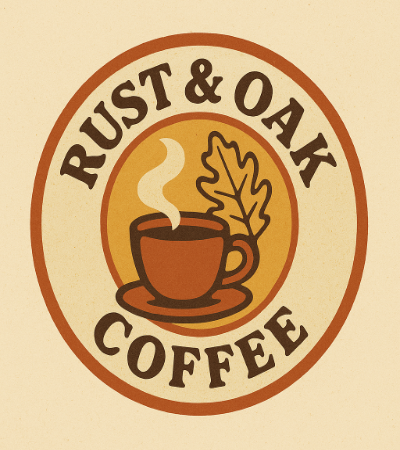
4.Retro badge logo
Create a vintage badge logo for [brand name, eg, Rust & Oak], a [industry] brand inspired by 70s retro design. Use textured flat illustration style, warm muted colors, bold serif typography, and a circular badge layout.
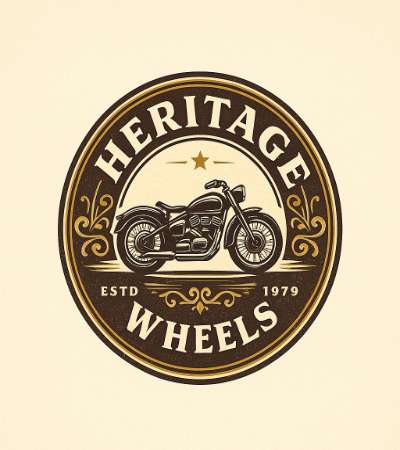
5.Classic emblem
Design a retro emblem logo for [brand name], showing [icon]. Style: classic heritage, engraved look, balanced symmetry, serif typography. Color palette prompt logo: dark brown, cream, gold accents.
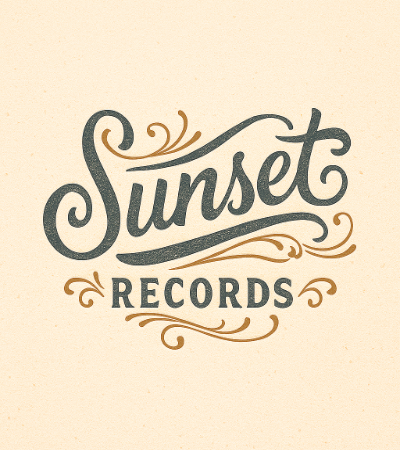
6.Old-school typography focus
Generate a vintage typographic logo for [brand like Sunset Records] with hand-lettered retro style. Include subtle flourishes, muted color palette, and a timeless feel.
C) Luxury & premium brand logo prompts
Luxury logos communicate sophistication through refined design elements. These prompts focus on elegance, premium aesthetics, and timeless quality that convey exclusivity.
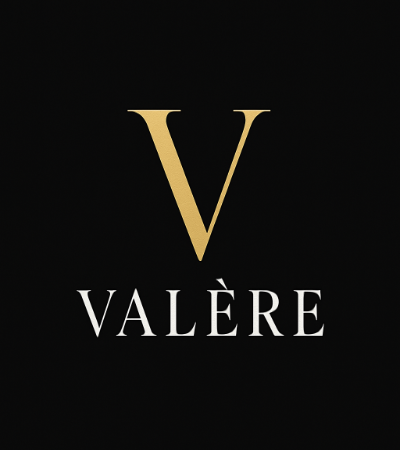
7. Elegant monogram
Create a luxury monogram logo for [brand name]. Use refined serif letters, thin strokes, and high contrast. Color palette: black, white, and metallic gold. Minimal and premium.
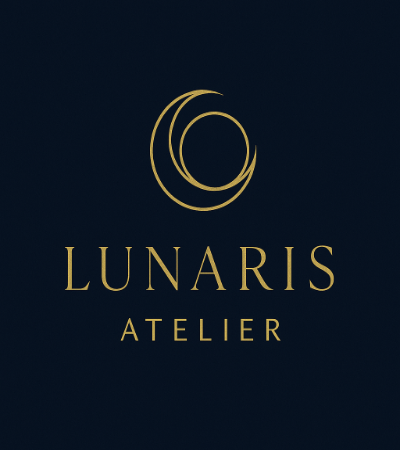
8. High-end icon + wordmark
Design a premium logo for [brand name], a luxury [industry]. Use an abstract elegant icon representing [value]. Typography prompt for logo: thin modern serif, spaced letters. Colors: deep navy + gold.
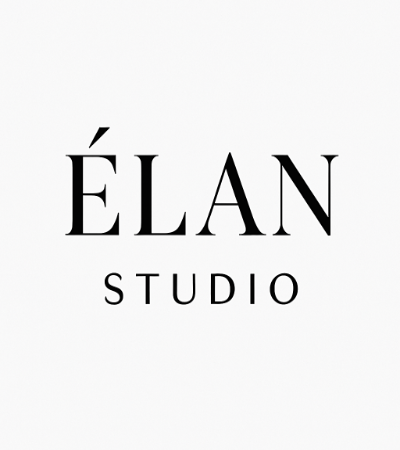
9. Fashion-style minimal luxury
Generate a luxury fashion wordmark logo for [brand name]. Use uppercase modern serif typography, wide letter spacing, monochrome black on white. Very minimal, editorial style.
D) Mascot & playful logo prompts
Mascot logos inject personality and character into brand identities, creating memorable visual ambassadors. These logos work particularly well for brands targeting youth markets or seeking to establish emotional connections.
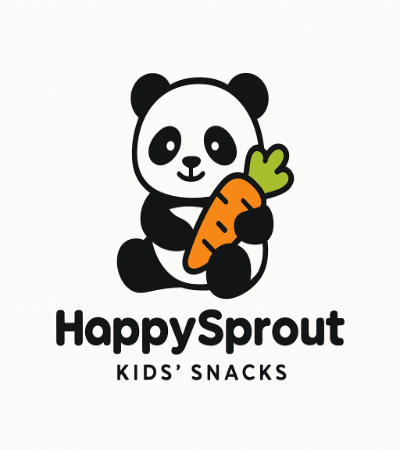
10. Cute mascot (example filled) Create a playful mascot logo for [brand name], a [industry] brand for kids/families. Design a friendly [animal/character] with simple bold outlines, bright cheerful colors, rounded sans-serif text.
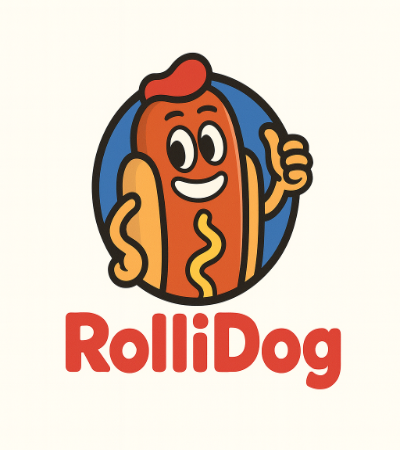
11. Cartoon badge
Generate a fun badge logo featuring a cartoon [icon/mascot] for [brand name]. Style: colorful, bold, with thick outlines and a slightly retro comic vibe. Text below mascot.
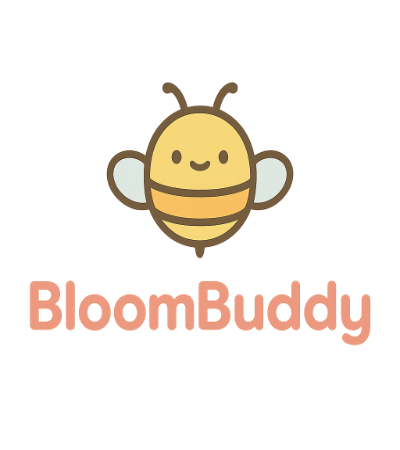
12. Modern playful minimal
Design a playful yet simple logo for [brand name] using a minimalist mascot symbol. Flat vector, pastel color palette, soft rounded typography.
E) Tech / futuristic prompts
Tech and futuristic logos help brands position themselves as innovative and forward-thinking. These designs typically employ sleek esthetics, modern color schemes, and abstract representations of technology concepts.
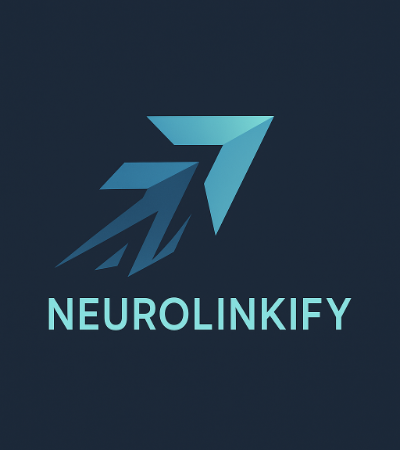
13. Futuristic abstract mark
Create a futuristic logo for [brand name], a tech startup in [field]. Use abstract geometric shapes suggesting innovation and speed. Style: flat vector, sharp angles, cool blue/teal palette, clean sans-serif font.
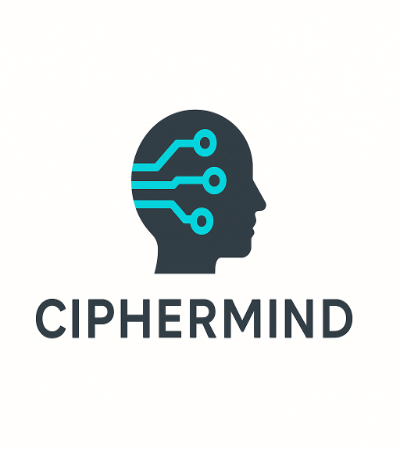
14. AI/robot inspired
Generate a modern tech logo for [brand name] with a subtle AI/robotic theme. Use circuit-like lines or digital nodes as iconography. Colors: charcoal + neon accent. Minimal.
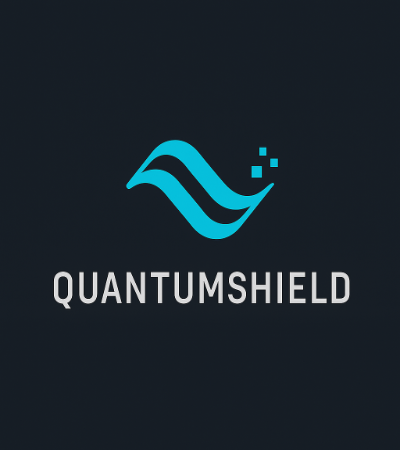
15. Cyber minimal
Design a sleek cyber-style logo for [brand name]. Typography: condensed sans-serif, slightly futuristic cuts. Icon: abstract ‘digital wave’ symbol. Monochrome with one accent color.
F) Hand-drawn / artistic prompts
Hand-drawn logos bring warmth, authenticity, and uniqueness to a brand's identity. These designs feel personal and artisanal, making them ideal for creative businesses, boutiques, and brands that seek to express their individuality.
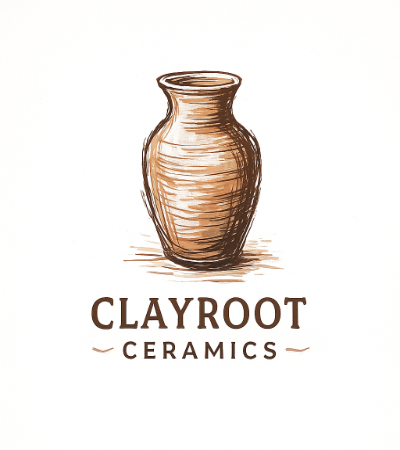
16. Organic hand-drawn
Create a hand-drawn logo for [brand name], an artisan [industry] brand. Use sketchy line art of [icon], imperfect strokes, earthy color palette, and warm feel.
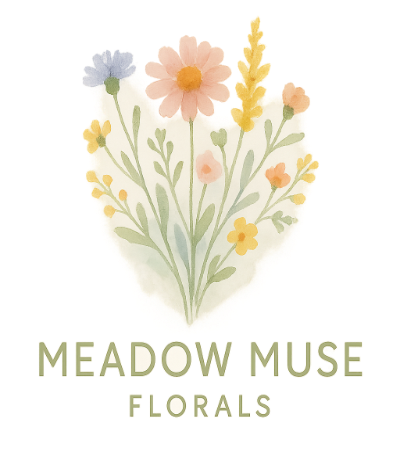
17. Watercolor artistic
Generate an artistic logo for [brand name] using watercolor textures and soft edges. Include [icon] loosely painted. Typography: simple sans-serif to balance the art. Pastel palette.
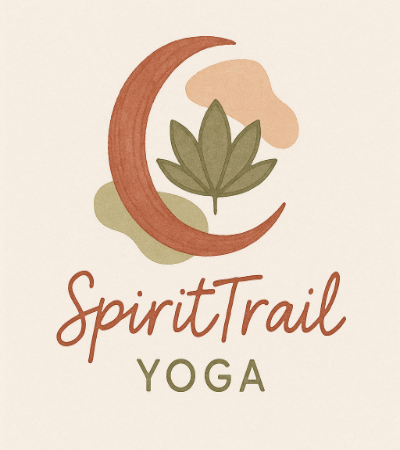
18. Boho/craft vibe
Design a boho-style logo for [brand name]. Use hand-illustrated [symbol], organic shapes, muted terracotta/olive tones, and casual handwritten typography.
Bonus prompts for logo design (more variety)
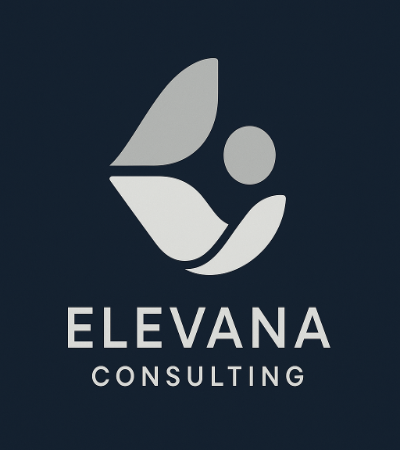
19. Abstract brand mark
Create a modern abstract logo for [brand name]. No literal icons. Use smooth geometric forms symbolizing [emotion/value]. Color palette: [2–3 colors]. Clean wordmark beneath.
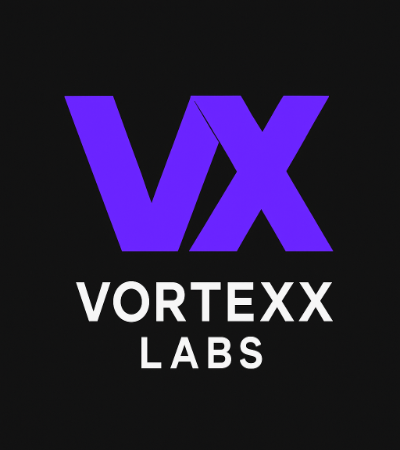
20. Lettermark for short names
Design a lettermark logo using initials [XX] for [brand name]. Style: modern, bold, simple, flat. Colors: [palette]. Must look good as an app icon.
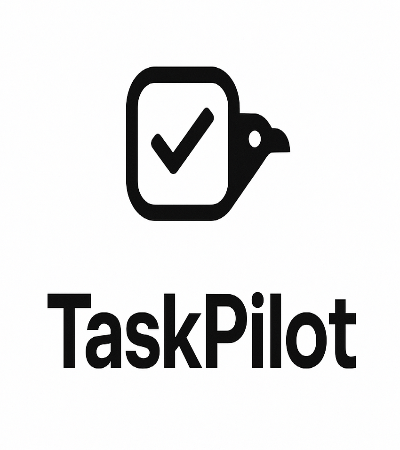
21. Monochrome startup set
Generate three monochrome logo variations for [brand name]: icon-only, wordmark-only, combined. Style: minimalist vector, black and white. Ensure scalability.
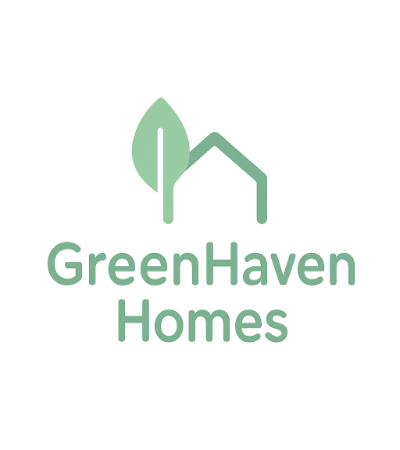
22. Nature-focused identity
Create a clean, eco-friendly logo for [brand name], a sustainable [industry]. Icon: leaf + [secondary symbol]. Soft green palette, rounded sans-serif font, calm and trustworthy.
These prompt templates for logos cover most branding needs. Pick one, swap the brackets, and you're ready to generate logo with AI instantly.
2. Key Elements of an Effective Logo Prompt
A logo prompt isn't just a sentence. It's a direction. The clearer your prompt, the more accurate your output. Here are the essential elements:
1) Brand context
Brand context tells the AI who you are and who you serve. Mention industry, target audience, and personality/tone. Example is "Eco-friendly skincare brand for women 25-40, calm and premium tone." This helps AI choose suitable shapes, symbols, and overall direction instead of guessing.
2) Style
Style keywords set the visual mood of your logo. They answer: "What should this feel like?" Use descriptors such as minimalist geometric, luxury monogram, retro badge, or futuristic tech symbol. Clear style direction stops the AI from blending unrelated aesthetics.
3) Iconography & symbolism
Think about the imagery that should (or shouldn't) appear. You can request specific objects, animals, abstract marks, or metaphors tied to your brand values. This ensures the logo communicates meaning, not just aesthetics.
4) Typography preferences
A typography prompt for a logo is essential when text matters. Specify serif vs sans serif, bold vs thin, modern vs classical, or even "custom hand-lettered script." Typography shapes brand perception as bly as the icon.
5) Color instructions
Your color palette prompt logo should specify exact tones, palettes, or color transitions. Using HEX values further improves accuracy: "Use a gradient from #0047AB to #00A8E8."
6) Format/ratio
Finally, add technical constraints. Ask for "vector style," "flat design," "transparent background," and specify a ratio like "1:1 square logo." These details keep results scalable across web, print, and app icons.
Together, these details create one of the best prompts for logo design, because the AI understands both the meaning and visuals.
Universal Prompt Template
Use this structure to create consistent results:
"Create a [style cue] [structure keyword] for [brand context], featuring [iconography/symbol], using [typography preferences], in [color palette], with [format/ratio]."
Example: "Create a least complicated and geometric vector logo for a technology consulting brand focusing on innovation for Fortune 500 Companies, consists of a totally abstract connectivity symbol, use a new and clean sans-serif typeface, make it deep blue to teal gradient for the color, transparent background, 1:1 aspect ratio."
You can reuse this across styles by swapping the bracketed parts.
3. Advanced Prompt Tips (Refine Like a Pro)
Creating professional logos requires refinement. These techniques elevate your AI-generated concepts.
Iterate and refine outputs: Treat prompting like design iterations. Save your base brand logo prompt, then change one element at a time, color, icon, font, or style. You'll quickly see what improves results instead of starting from scratch every time.
Using negative prompts: Tell the AI what to avoid to prevent messy or off-brand results. Use constraints such as "no photorealism, no complex shading, no 3D renders, no tiny details, no extra text."
Getting vector-friendly results: If you want scalable, professional logos, guide the AI toward clean vector outputs. Include phrases like "flat vector logo, simple shapes, clean lines, high contrast." Avoid heavy textures or realism.
Be specific about colors, textures, and layout: Use exact color names or hex codes and clearly describe placement. Example: "Use forest green (#0B6B3A) and sand beige (#E7D9C5), matte finish, centered icon above text, icon left and text right."
Keep the logo simple and readable: A logo must work at favicon size. If outputs look busy, simplify your AI prompt for logo design by removing extras: fewer colors, fewer symbols, fewer effects. Ask for "bold silhouette, recognizable at small sizes.
These techniques quickly improve consistency and polish.
Conclusion
A well written AI prompt for logo design can turn a vague idea into a usable identity fast. Try these templates, customize them to your niche, and keep refining until the logo matches your brand voice. The more specific your brand logo prompt, typography, and color instructions, the more professional the result. Test these prompts in your favorite AI tools, and if you want polished visuals beyond logos, try Pixpretty for a better photo editing experience.
PixPretty AI Photo Editor
- 100% free AI Image Generator (Nano Banana 2 powered)
- 4K image quality with fast generation speed
- AI effects & filters for personal and e-commerce use



